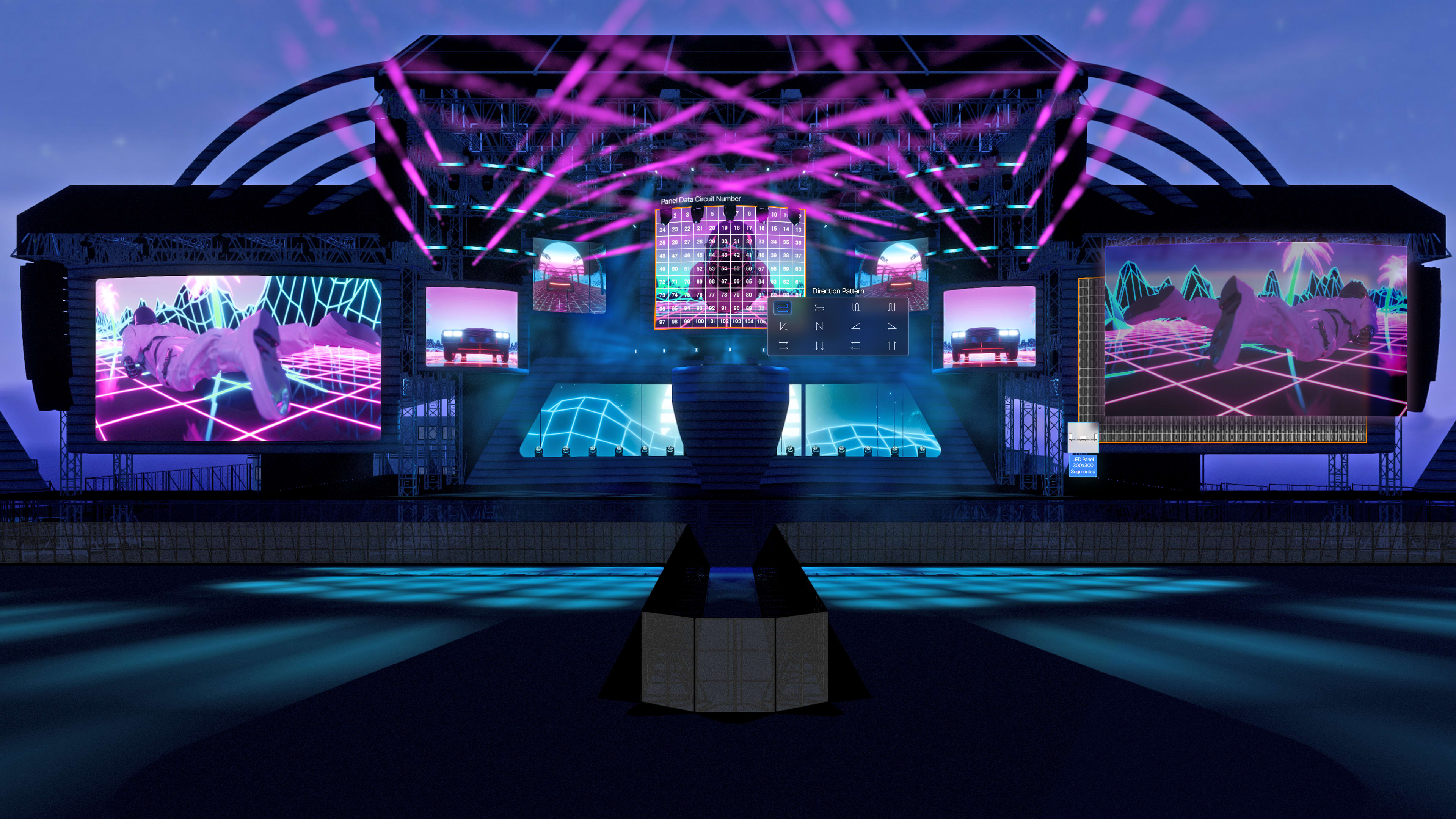
If you use Vectorworks Spotlight to previsualize (previz) your lighting, production, or other entertainment designs, the latest Showcase updates are all about making your workflow faster and more intuitive. The 2026 release refines how you launch, control, and visualize your work, so you can focus on creating looks rather than managing settings.
A Refined Look and Workflow
With the release of Vectorworks 2026 Update 3, Showcase keeps evolving to make your workflow faster and more intuitive. The latest refinements focus on the Showcase Render Style workflow, with new interface updates that help you save time and maintain a consistent visual setup across projects.
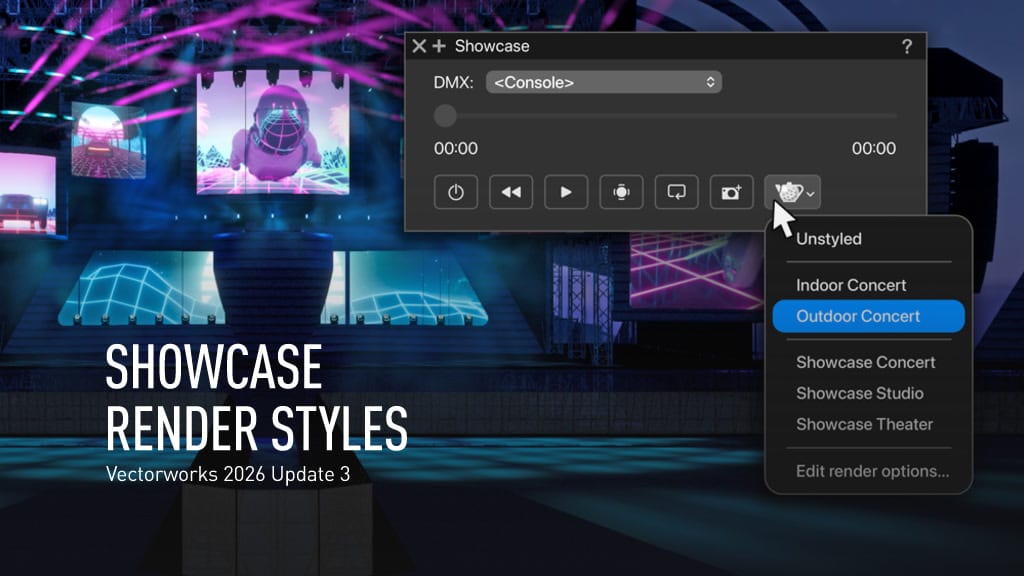
Additionally, a new menu in the Showcase palette gathers your render style settings in one place and gives you quicker access to the looks you use most — just look for the teapot icon.
In the main Preferences dialog, a new default render style option lets you set your go-to rendering setup once and have it ready every time you start a new project. You’ll also notice a redesigned dialog that mirrors the familiar Edit Render Styles interface in Vectorworks, bringing a more cohesive and predictable experience to your previz work so you can focus on your creative choices instead of setup steps.
More Realism and Control
Lighting behavior in Showcase now feels closer than ever to real performance lighting.
Fixtures now support Zoom and Shutters directly in Spotlight, letting you preview beam shaping and field angle changes before arriving to your stage or set. You can even adjust brightness in Shaded views for static looks without interfering with live DMX playback when Showcase is active. That means you can set the right visual tone, then bring your console playback into the exact same view.
Independent fixture control also makes it easier to edit visual elements, such as geometry and textures, without interrupting an active Showcase session.
Immersive Visual Tools
The LED Video Wall tool, released in Vectorworks Spotlight 2026, works hand-in-hand with Showcase to create captivating experiences for your audience. Whether you’re visualizing fixed installations or dynamic scenic elements, you can display video content from local files or live NDI feeds. You can even experiment with curved walls or creative layouts, previewing content playback directly within your design file.
Fog also had a major upgrade in the release with the introduction of 4D animated fog. Adjustable controls for Scale, Pocket Density, Turbulence, and Directional Velocity let you simulate volumetric haze that moves through the scene over time. The result feels more like what you’d see on stage, complete with drifting beams and a sense of depth that’s responsive to your lighting design.
Smarter Visualization Feedback
To balance your design goals with technical precision, Showcase also offers false color rendering.
This visualization mode maps lux levels to either color or grayscale gradients, helping you spot hot spots and uneven coverage without leaving your 3D environment. You can quickly identify areas below your target lighting level and adjust your fixture placement or focus right on the spot.
Collaboration and File Exchange
Connecting your previsualization to actual consoles and tracking systems has also gotten smoother with MVR-xchange. This feature lets you send and receive show data across your local network directly between Vectorworks and supported devices like MA3 consoles, Blender, and Zactrack. No thumb drives required — just a local connection for fast, secure data transfer.
In short, Showcase continues to bridge the gap between your creative design and its real-world execution. Whether you’re programming cues or experimenting with fog, light, and motion, these updates keep your workflow inside Vectorworks and your focus on the art of the show.
LEARN MORE ABOUT SHOWCASE
Watch a free webinar to see the latest Showcase updates in action.
Stay in the know with the latest insights
Subscribers receive news, customer stories, success and learning tips, event information, and other important announcements from Vectorworks.
By submitting this form, you agree that Vectorworks, Inc. and its authorized partners may contact you in regards to news, offers, and the use of our software, services, and platforms. Learn more about our privacy practices and your data on our privacy page.*