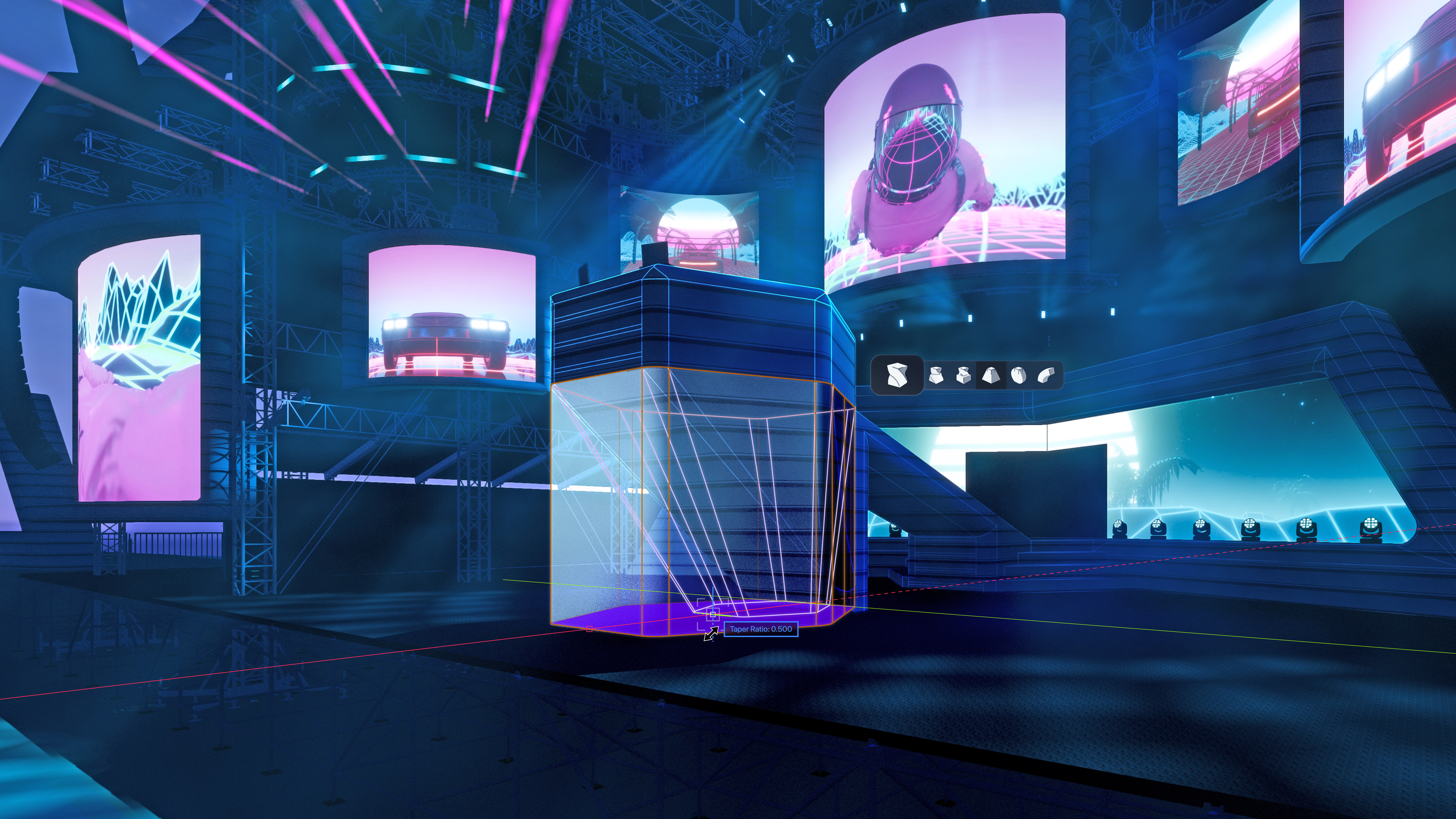
Vectorworks 2026 is here, helping you drive your ideas forward with new features and workflows that put creative control right in your hands.
Whether you’re designing a set in Vectorworks Spotlight, wiring AV systems with ConnectCAD, or performing rigging analysis in Braceworks, this release is all about letting you bring your visions to life.
Continue reading to learn how the latest in Vectorworks 2026 can push your entertainment designs forward without drag.
LED Video Wall Tool
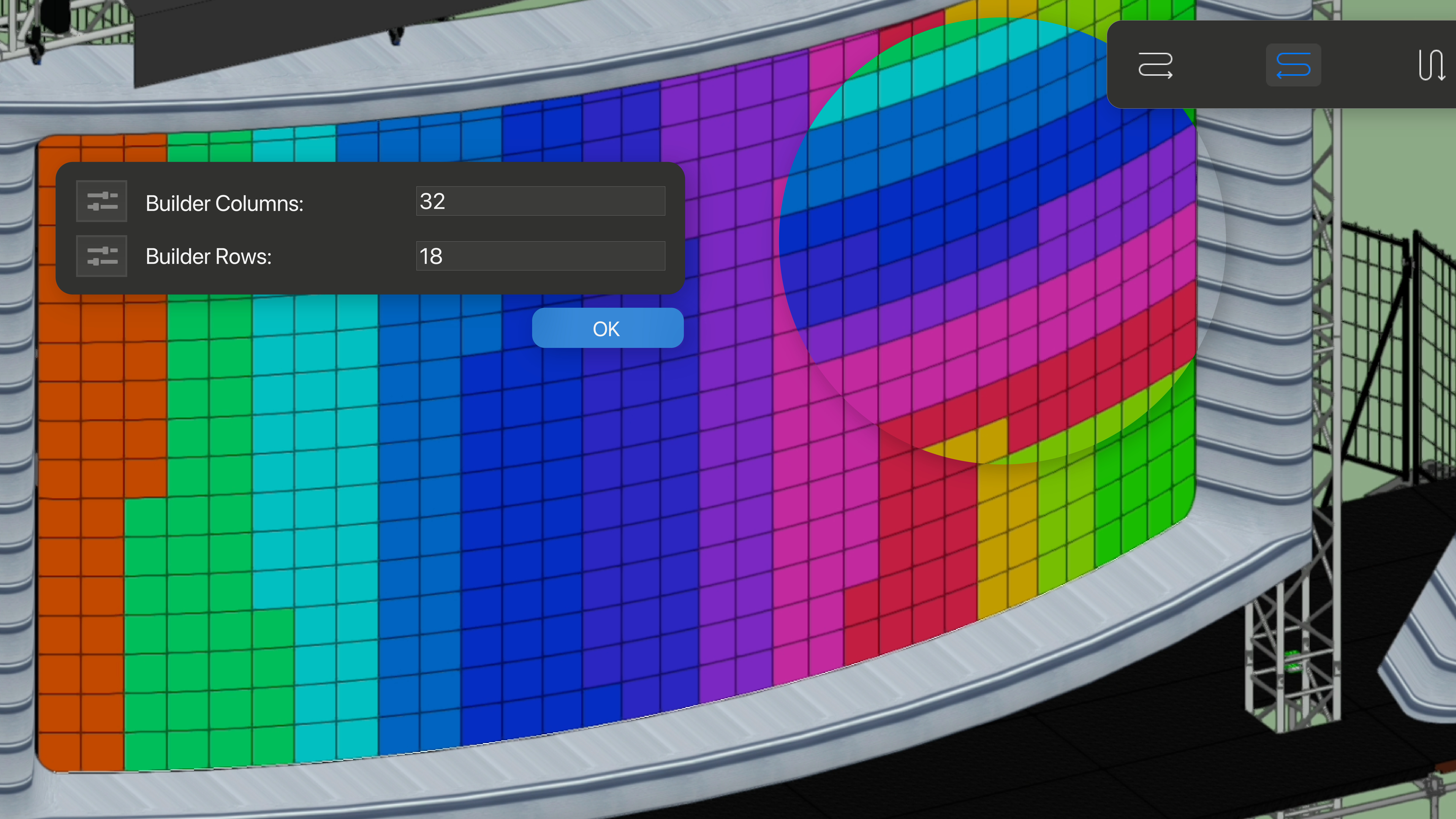
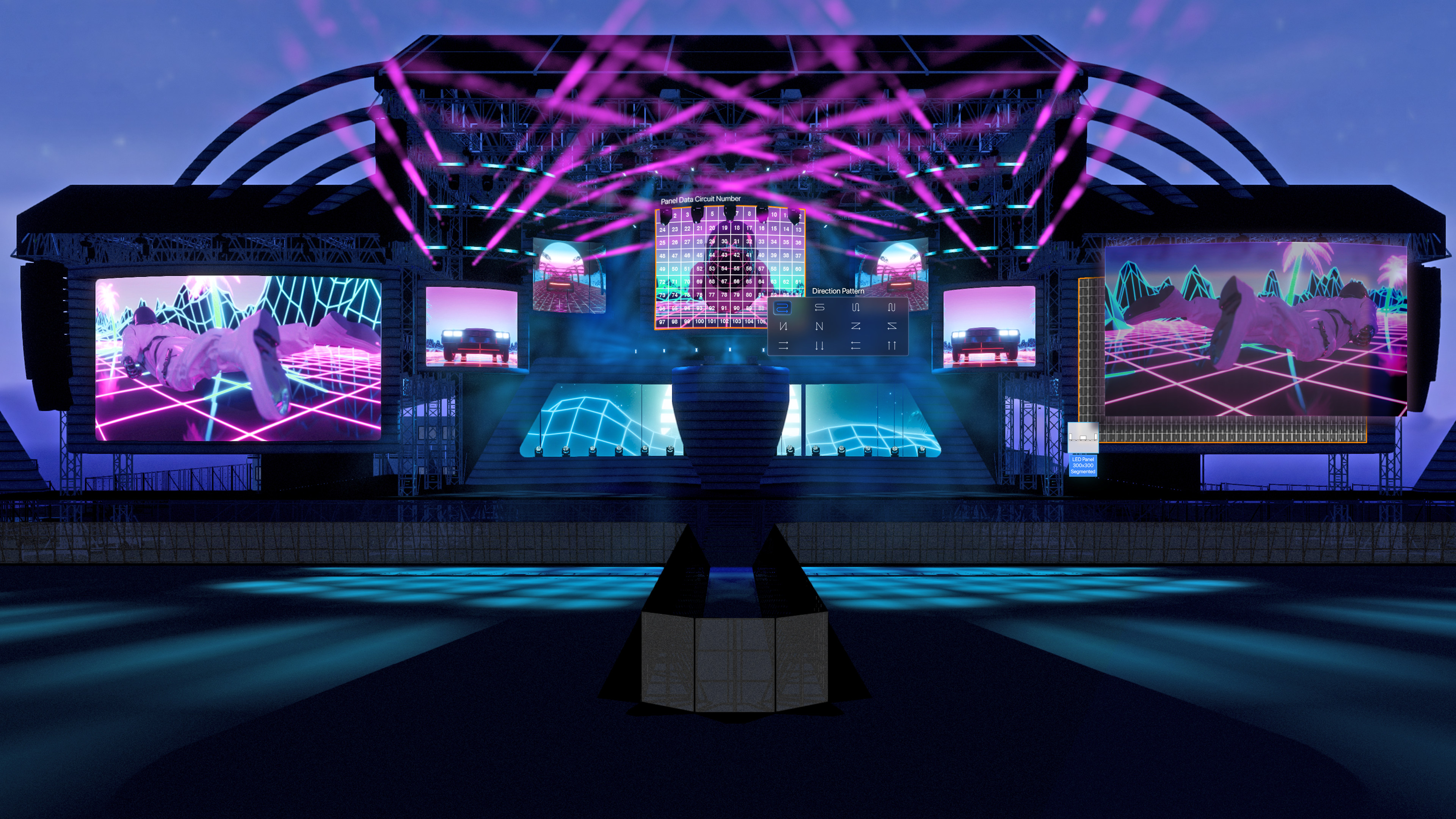
The new LED Video Wall tool lets you draw either straight or complex curved walls so you can harness one of the most important and growing trends in the industry.
With the tool, you can build detailed LED video walls, switch between different panel types, and generate reports on size, pixel resolution, power, and data requirements with just a few clicks. That means you’ll have everything you need for planning, installation, and communication with your team and suppliers. The Video Wall tool can also be set up with symbol-based objects, so that you can build your projects with freeform walls or by specifying manufacturer's panel and support symbols with equipment specifications and set aspect ratios.
With integrated power and signal flow documentation, visualizing your setups becomes easier, whether it’s a temporary show or a permanent install.
Discover how to get started with the LED Video Wall tool with the video below:
And for a deeper dive on the tool and its capabilities, check out the following:
Clamps and Side Arms
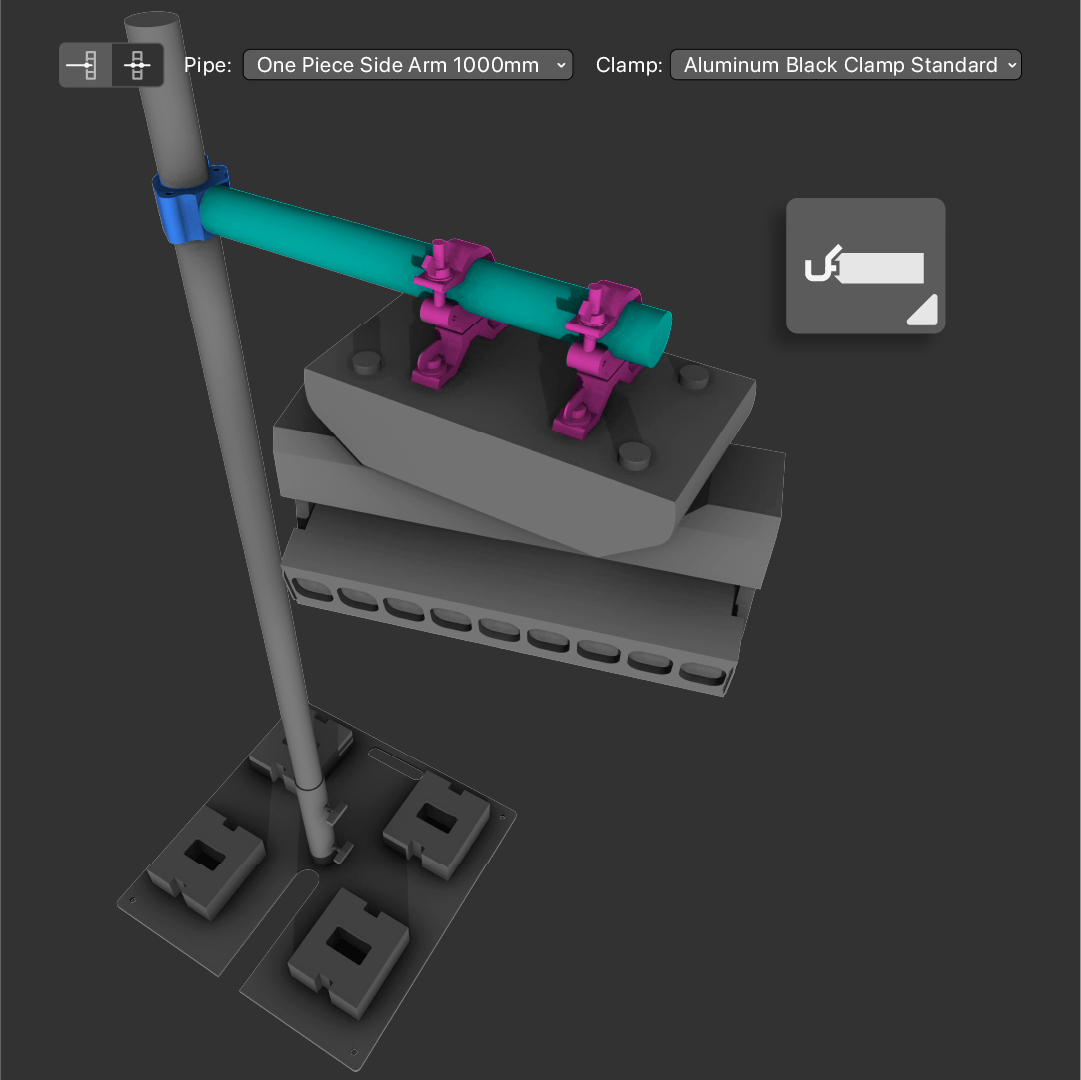
With dedicated Clamp and Side Arm tools, you also have a more intuitive clamp workflow in Vectorworks 2026.
Now you can quickly place, move, and remove clamps directly, and customize new parametric side arm objects to suit your needs. With these side arms, it's easy to add extra attachment points for lighting and rigging and modify them in just a few steps, allowing you to efficiently draw booms, tail downs, and keep inventory counts accurate and fast.
Side arms can also be a part of your rigging calculations in Braceworks, giving you additional detail for system analyses.
Watch the feature in action below:
Showcase Improvements
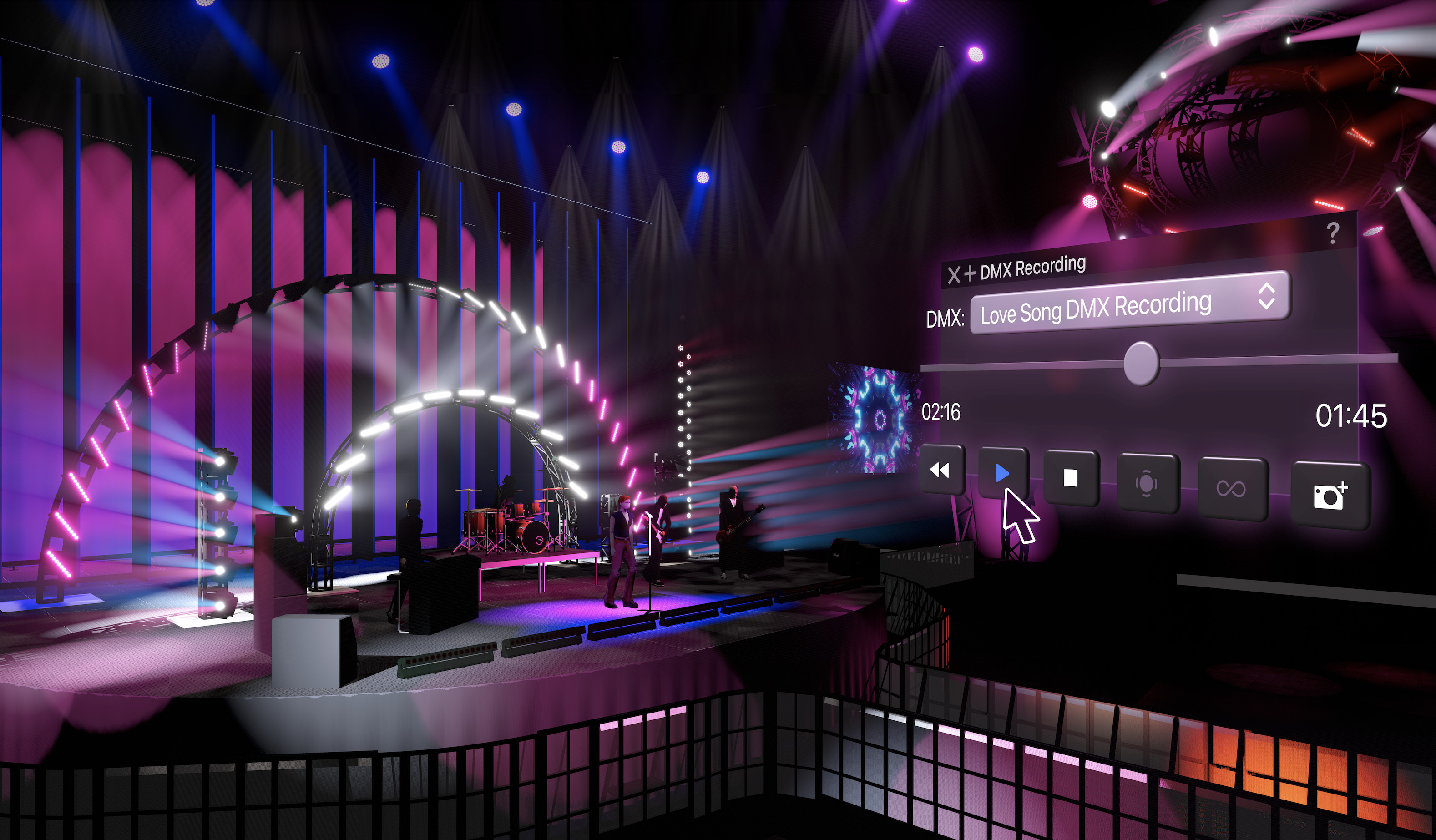
Showcase, a real-time previsualization (previz) feature directly in Vectorworks Spotlight, now gets you even closer to real-world renders.
With animated fog effects, new false color modes to spot lighting problems, and easy projection simulation with Video Wall plug-ins, stunning previz is quicker and easier than ever before.
The updated palette features a single-click start or stop and now shows you the health of your DMX, NDI, and PSN streams. This way, you can handle network issues without wasting time hunting for the cause. Lighting device control is also more responsive, so presentations and troubleshooting move faster.
MVR-xchange
Keep every member of your team in sync using MVR-xchange, a new protocol that lets you send, comment on, and request MVR (My Virtual Rig) files on your local network. These files package your entire design, so you can hand off your project to a previz program, control console, or colleague knowing that everything in the file will work correctly.
With the protocol, you can track group activity and updates, so designers and technicians always have the latest files at their fingertips — making cross-app collaboration much simpler.
Advancements with Bridles
The Bridle tool has been refined in Vectorworks 2026 for more flexible configurations and expanded parts options. Now, your bridles automatically stay attached when supports move, and you can save your preferences for future use, saving valuable time from project to project.
Editing and configuring assemblies is faster, as well, so your rigging layouts stay on track even through big design changes.
ConnectCAD Device Database Consolidation

ConnectCAD, Vectorworks’ AV design software, has dropped its previous device database to now directly attach device data to Vectorworks’ 3D symbols.
Connectivity, schematic info, and manufacturer data are now part of each symbol, making content creation smoother and sharing device definitions with the Resource Manager effortless. The new approach also makes interoperability with Vectorworks Spotlight far more intuitive.
Spotlight Quality Developments
Your feedback drives further developments to make Vectorworks streamlined to your needs, and there are additional improvements in Vectorworks Spotlight 2026 that were made with designers’ input.
Here are some additional improvements:
- Angled Audio Bumper Calculations in Audio Arrays have been corrected.
- Bridle weights for Braceworks have also been factored into calculations.
- Distributions and equipment with multiple inputs now connect and calculate correctly in power schematics.
- Spotlight Cable Sections can now access Auto Numbering in the creation of looms.
- Insert Load and Connections for hoists and rigging can access Auto Numbering.
To learn more about what’s coming to future versions of Vectorworks software or to suggest other new features, click the button below and visit the Vectorworks Public Roadmap.
Stay in the know with the latest insights
Subscribers receive news, customer stories, success and learning tips, event information, and other important announcements from Vectorworks.
By submitting this form, you agree that Vectorworks, Inc. and its authorized partners may contact you in regards to news, offers, and the use of our software, services, and platforms. Learn more about our privacy practices and your data on our privacy page.*