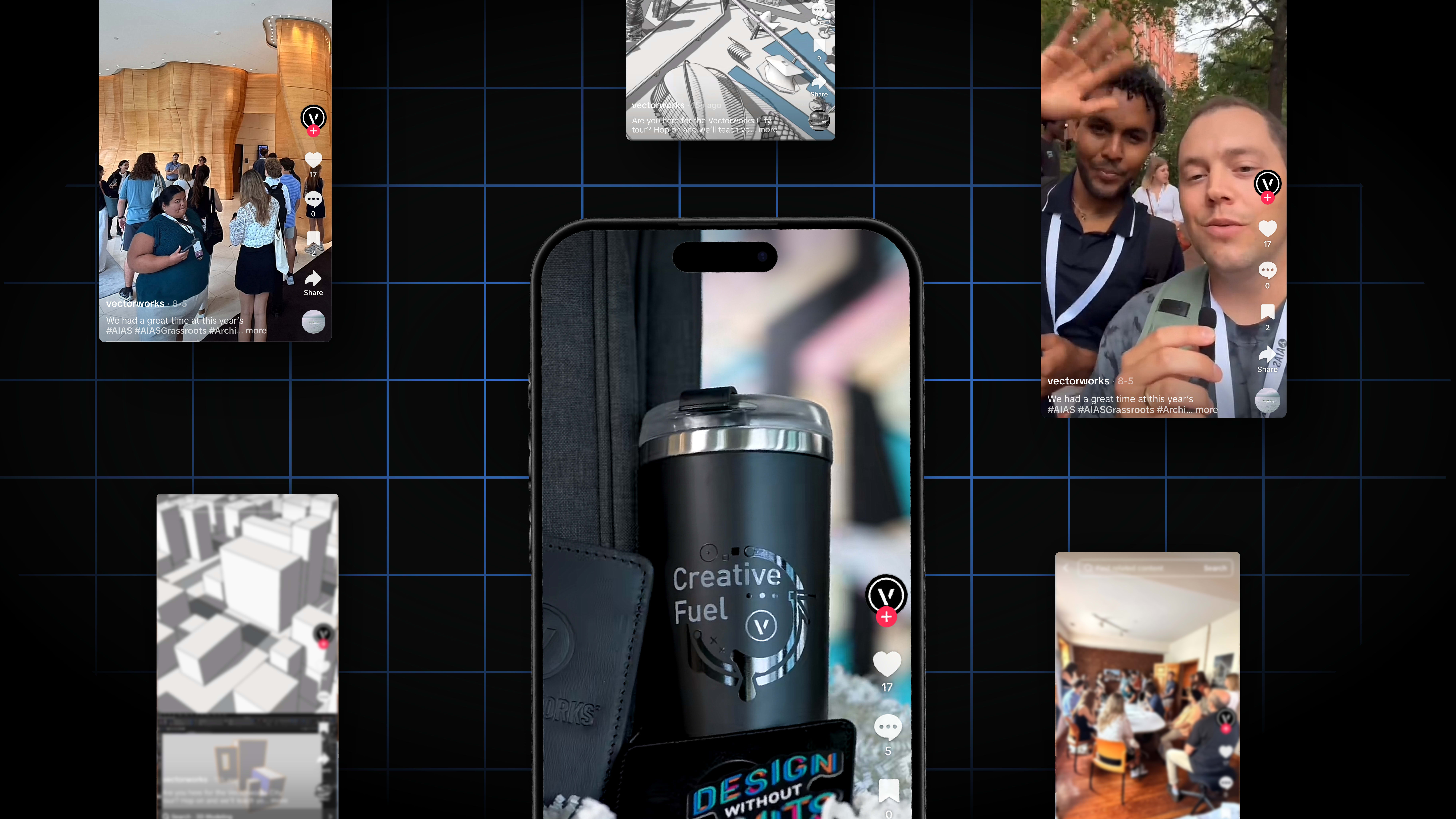
In the first half of 2026, designers on TikTok looked for practical ways to work smarter with Vectorworks software and to stay inspired in their day‑to‑day projects.
The most popular moments focused on tools that help you design more sustainably, communicate more clearly, and move faster from concept to final deliverable. These TikTok highlights show how much you can learn in just a few seconds, whether you work in architecture, landscape, or entertainment design.
Tracking Impact with the Sustainability Dashboard
Landscape designer Marketa Hermova shows how the Sustainability Dashboard in Vectorworks Landmark visualizes key environmental metrics right in your design file, such as embodied carbon, Biodiversity Net Gain, and urban greening scores.
Cleaner Drawings with Hybrid Symbols
In her post, McKenna Leach covers how hybrid symbols keep your drawings clear while you work in both 2D and 3D by being a single resource that carries a precise 3D model together with a clean 2D representation.
Student‑Driven Free Resources
Lauren Jasper’s video highlights how students can access a free Vectorworks license.
Students and professors also have access to discipline-specific Learning Paths, Professional Certifications, and the student2PRO offering, which lets recent graduates from design‑focused programs receive 50% off a monthly or annual subscription of Vectorworks for three years.
Designing an LED Video Wall in Spotlight
Entertainment designer Jesse Cogdell takes you behind the scenes of creating an LED video wall in Vectorworks Spotlight.
Cogdell also demonstrates how to build your video wall with the LED Video Wall tool, organize it, and coordinate with a production team.
Stronger Elevations with Smart Drafting
In this final post, Luis M. Ruiz shares techniques for creating elevations in Vectorworks that help you move quickly from a 3D model to clear, client‑ready views.
You’ll see how to use your model as a single source of truth to generate and refine elevations so linework, annotations, and presentation all stay tied back to your design.
Stay in the know with the latest insights
Subscribers receive news, customer stories, success and learning tips, event information, and other important announcements from Vectorworks.
By submitting this form, you agree that Vectorworks, Inc. and its authorized partners may contact you in regards to news, offers, and the use of our software, services, and platforms. Learn more about our privacy practices and your data on our privacy page.*