On Vectorworks University, you can explore a plethora of on-demand webinars, learning paths, certifications, and even sample files that help you further your design processes and practice discipline-specific workflows.
Continue reading to learn more about some recent webinars, all of which are now on Vectorworks University. Topics include:
Enhancing AutoCAD Collaboration in Vectorworks

Successful collaboration between designers and consultants using different software depends on reliable file exchange and effective communication. This one-hour webinar, designed for architects and landscape architects, explores how to manage projects effectively when collaborating with consultants, enhancing cross-platform coordination and best-practice workflows for interoperability between AutoCAD and Vectorworks.
Hosted by Vectorworks product specialists Luka Stefanovic and Marketa Hermova, you’ll gain practical insights for maintaining precision and consistency throughout the design and documentation process, as well as clear, repeatable workflows to improve the reliability and efficiency of drawing exchanges across design disciplines.
In this webinar, you’ll also:
- Understand the differences and similarities when setting up projects in AutoCAD and in Vectorworks.
- Discover how to confidently import consultants’ DWG drawings into Vectorworks.
- Learn ways to successfully share work back with consultants who use AutoCAD.
Your Path to Success in Vectorworks Landmark
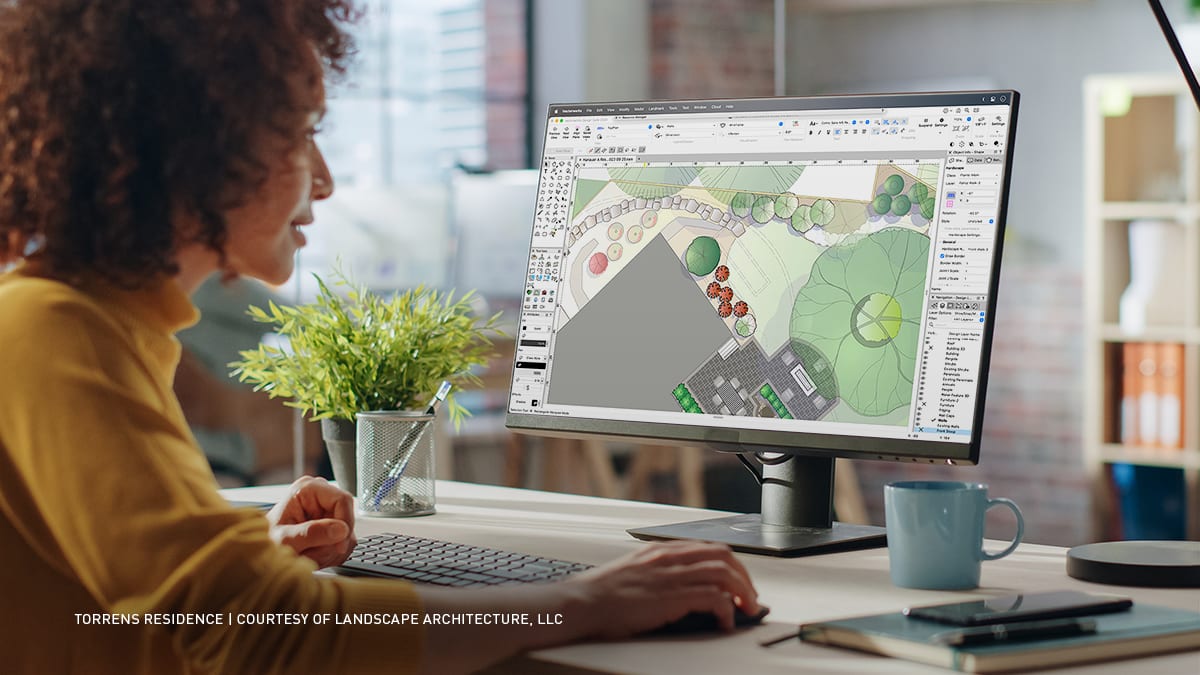
Thinking about a change in your landscape design workflows may feel daunting — we understand. But you can take on the learning curve and succeed. And when you do, you’ll gain many tangible benefits.
Watch Eric Gilbey, landscape architect and product marketing manager, in this webinar as he discusses techniques for learning new software and approaching Vectorworks Landmark from your current workflow. He’ll demonstrate basic techniques to help you get started in Vectorworks, provide tips for working smarter, not harder, share designer-shared successes, and equip you with support resources to improve your skills once you make your move to Vectorworks Landmark.
In this webinar, you’ll also:
- Acquire simple strategies when testing Vectorworks features during your trial period.
- Assess which Vectorworks Landmark features yield significant learning and efficiency gains, improving your current design workflow.
- Gain familiarity with navigating the user interface to locate and deploy essential tools and commands for designing and documenting your project in Vectorworks Landmark.
- Access Vectorworks' instructional and technical support resources, such as the Onboarding Paths, Vectorworks University, and the Online Help System, to grow your knowledge and skills.
Site Design Workflows that Win Clients

How do you keep complex residential landscapes on budget, on schedule, and buildable when every decision affects cut-and-fill, sustainability, and coordination with the wider design team?
In this webinar, you’ll follow a complete site design workflow from early grading studies to coordinated technical information that contractors and consultants can trust. You’ll see how to build a coordinated 3D site model, test grading strategies, and run cut‑and‑fill calculations so you can minimize import and export while managing soil expansion, spoil locations, and formation levels with confidence.
Through real‑world style examples, you’ll learn how to structure drawings so that layers, classes, itemized build‑ups, and formation levels feed directly into clear material take‑offs and cost planning, helping you stay within budget while meeting performance and environmental targets.
In this webinar, you’ll also learn:
- Understand how to set up a coordinated 3D site model, run cut‑and‑fill and grading studies, and link these directly to practical, sustainable earthworks strategies on residential projects.
- Learn how to create clear technical details, formation levels, and structured drawings that drive reliable material take‑offs and support accurate bills of quantities and cost planning.
- Gain confidence in organizing your files and information so you can collaborate effectively with architects, structural and drainage engineers, and specialist contractors on complex landscape projects.
Stay in the know with the latest insights
Subscribers receive news, customer stories, success and learning tips, event information, and other important announcements from Vectorworks.
By submitting this form, you agree that Vectorworks, Inc. and its authorized partners may contact you in regards to news, offers, and the use of our software, services, and platforms. Learn more about our privacy practices and your data on our privacy page.*