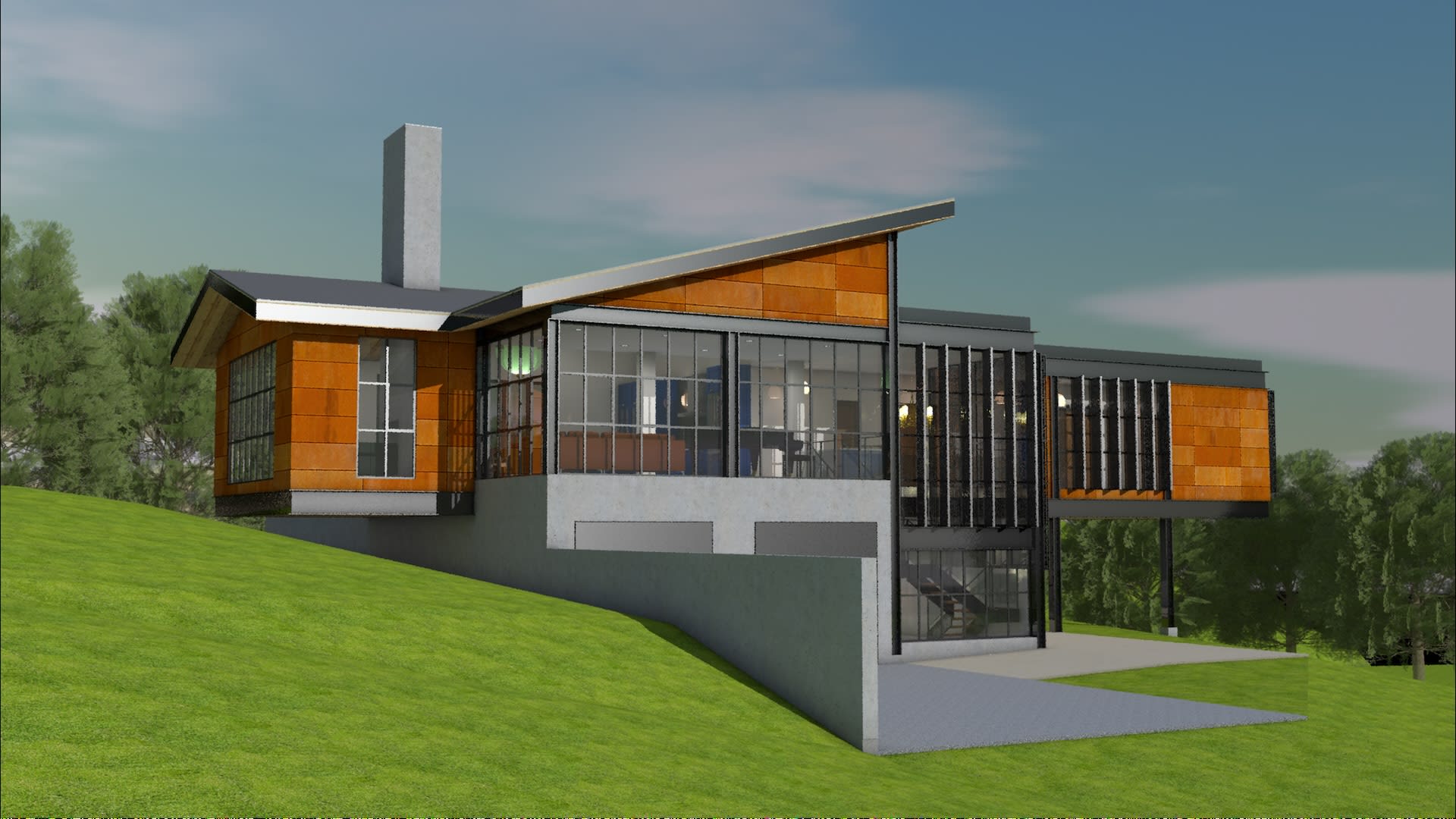
Did you know that Vectorworks University has fully developed sample projects?
Sample projects are one of the best ways to get familiar with Vectorworks design software, whether you work in architecture, interiors, site and landscape design, or entertainment.
These projects are all organized using Classes and Layers in Vectorworks design software, an area many designers said they’d appreciate more support. Seeing it done in a variety of ways across a variety of projects can help you get more familiar and create a file structure that works for you.
The projects also come with drawing sets so you can explore the interconnectivity of drawings, models, and printable Sheet Layers. When exploring the files, it’s recommended to begin by examining these Sheet Layers as well as the list of Saved Views. From there, you can dive into classes and layers to see how the documents are organized.
And don’t worry if you notice a project was created in a previous version of Vectorworks. All sample files are backwards compatible, so you can open and explore them in your current version of the software.
Here are some of the projects available to you, along with links where you can download them yourself.
Architecture & Interiors Sample Projects
Sample projects for architecture and interiors include:
- Custom residential house
- Grotto rooftop
- Asharoken house
- Institutional building
- And more
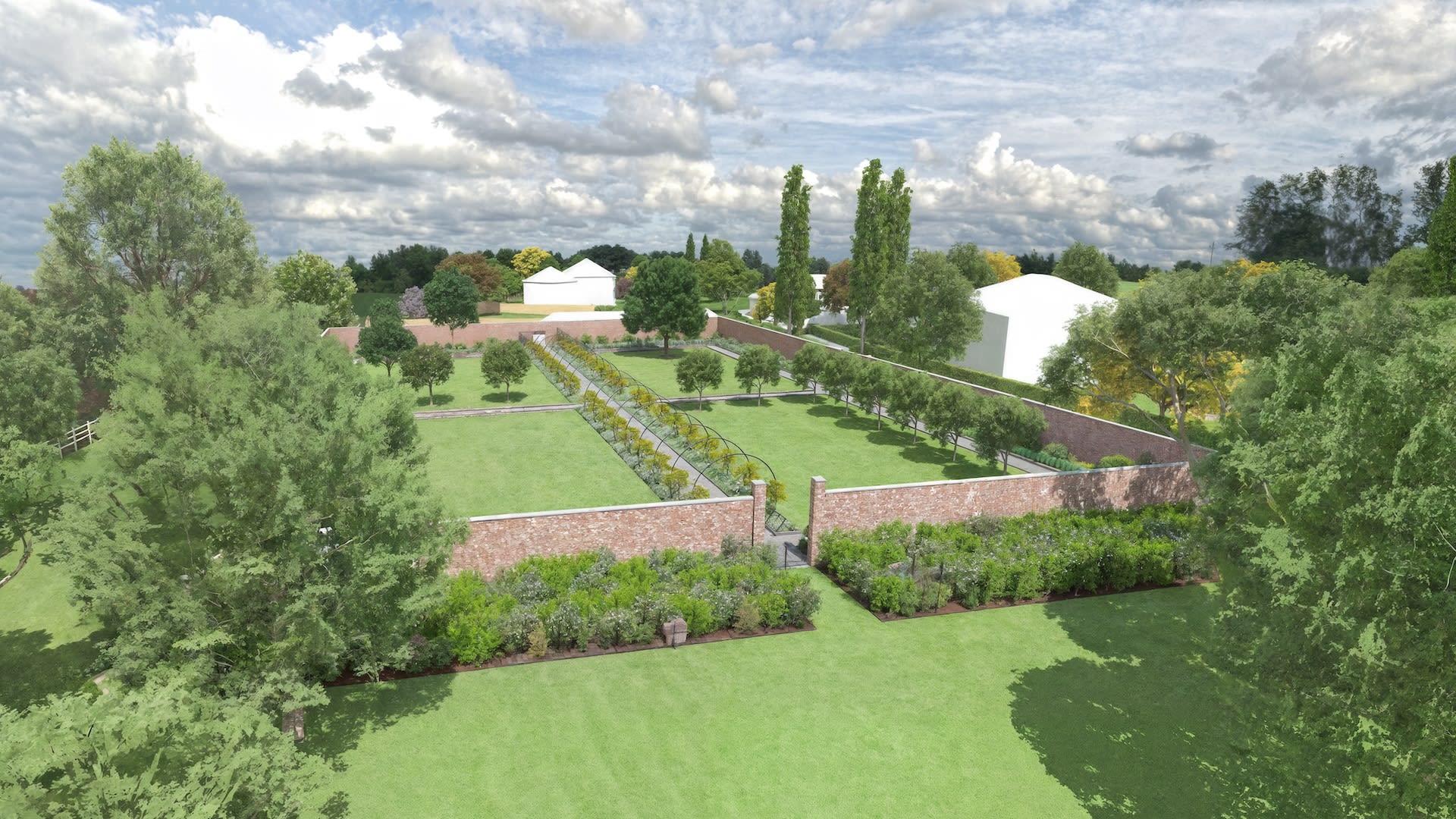
Landscape Sample Projects
Landscape sample projects include:
- Lakehouse landscape
- Landscape for a building called “The Cube”
- Urban park
- Riverwood townhomes
- And more
Entertainment Sample Projects
Entertainment sample projects include:
- ConnectCAD media den
- Showcase theater
- Corporate event
- Theater design
- And more
DOWNLOAD YOUR OWN ENTERTAINMENT SAMPLE PROJECTS.
LEARN MORE ABOUT PREVIZ WITH SHOWCASE IN VECTORWORKS SPOTLIGHT.

Some Notes about Sample Projects
Once you have a file downloaded, all you have to do to get started is open it in Vectorworks by clicking File -> Open, then selecting the project wherever you have it saved on your device.
With the file open, shift your attention first to the Navigation palette. In Vectorworks, the navigation palette is at the bottom right of your screen by default. This is where you’ll navigate through Saved Views, Sheet Layers, Classes, and Layers.
Beyond that, these sample files are canvases upon which to build your Vectorworks skills. You could simply browse the file to absorb information, make your own additions to the projects, or even try to replicate the projects in a separate Vectorworks file. The possibilities with these files are endless.
Stay in the know with the latest insights
Subscribers receive news, customer stories, success and learning tips, event information, and other important announcements from Vectorworks.
By submitting this form, you agree that Vectorworks, Inc. and its authorized partners may contact you in regards to news, offers, and the use of our software, services, and platforms. Learn more about our privacy practices and your data on our privacy page.*