Do More with Your Drafting Software


Experience faster, more flexible drafting with 2D and 3D tools in a single, design-first workspace.

Draft Faster without Sacrificing Precision

Reduce manual work, boost accuracy, and stay focused on your design process instead of repetitive tasks. Use powerful line work, dimensioning, annotation, and layering tools to control every detail with precision. Drafting shouldn’t interrupt the design process—it should support it.
DESIGN WITH EASE

Work in an intuitive environment that makes complex tasks feel simple, from building detailed views to producing coordinated documentation when you need it. Let smart drawing markers, object tags, worksheets, and drawing legends handle the busywork of keeping everything in sync as your design changes. With automated features for data and document setup, you can streamline repetitive steps and reduce the risk of human error across your workflow.

Elevate Every Drawing

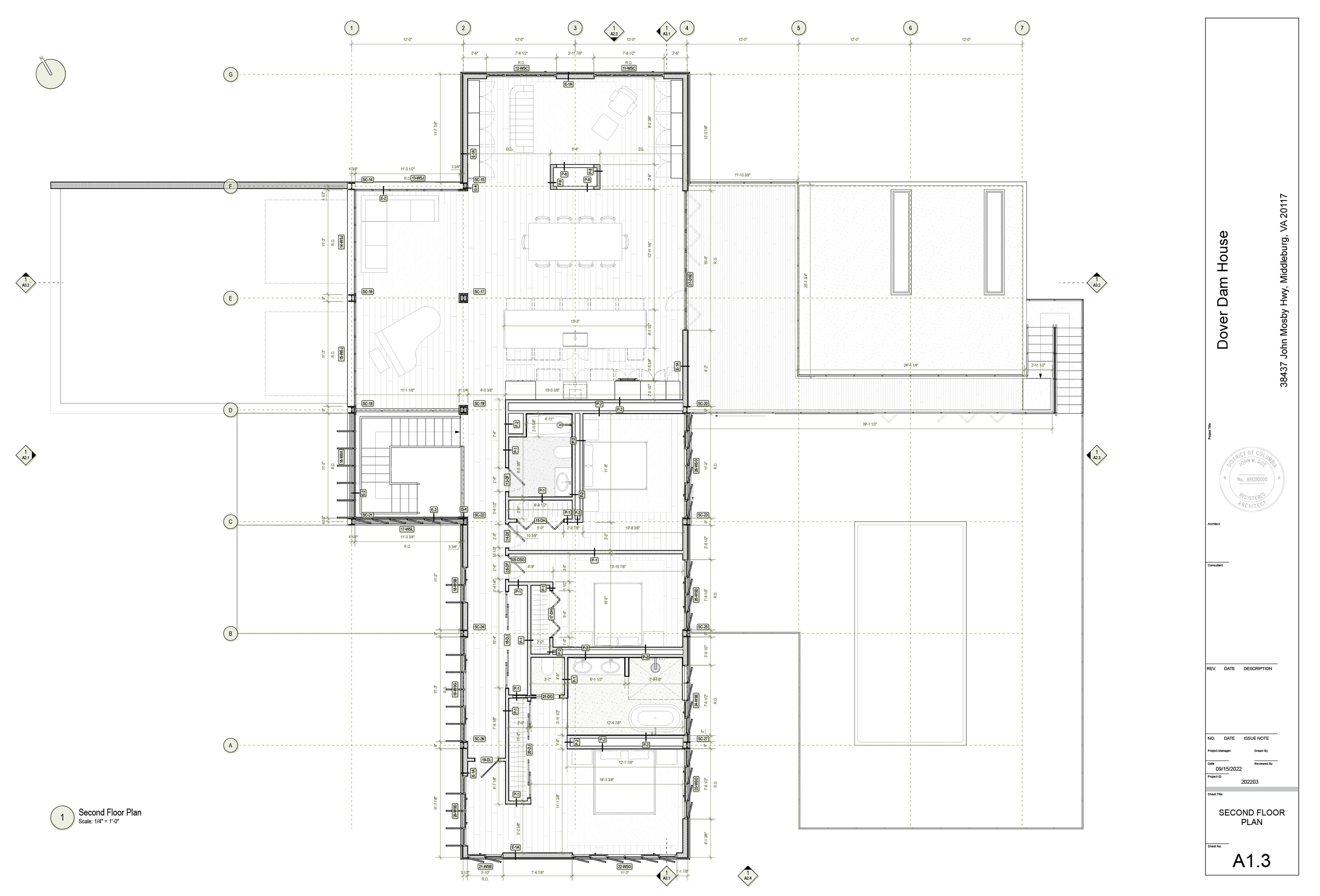
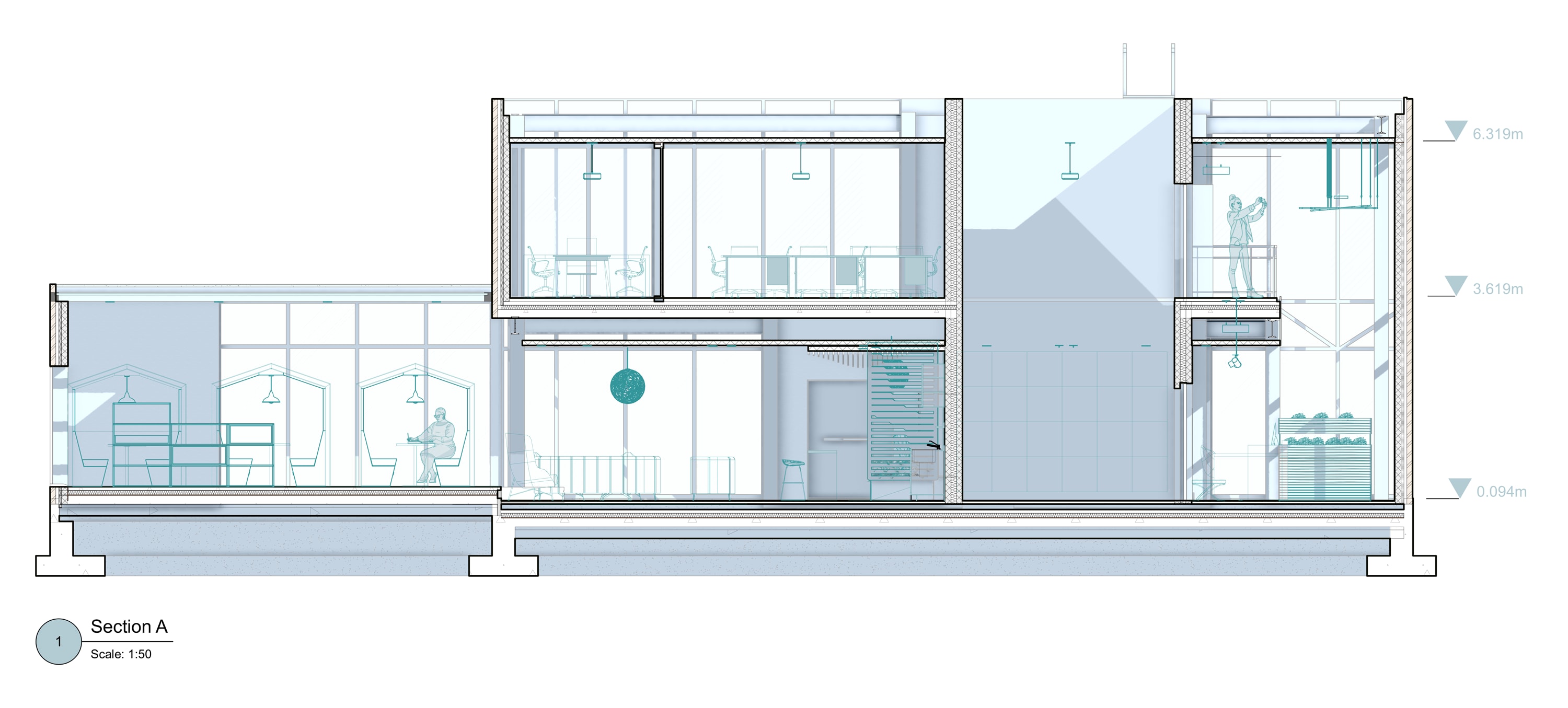
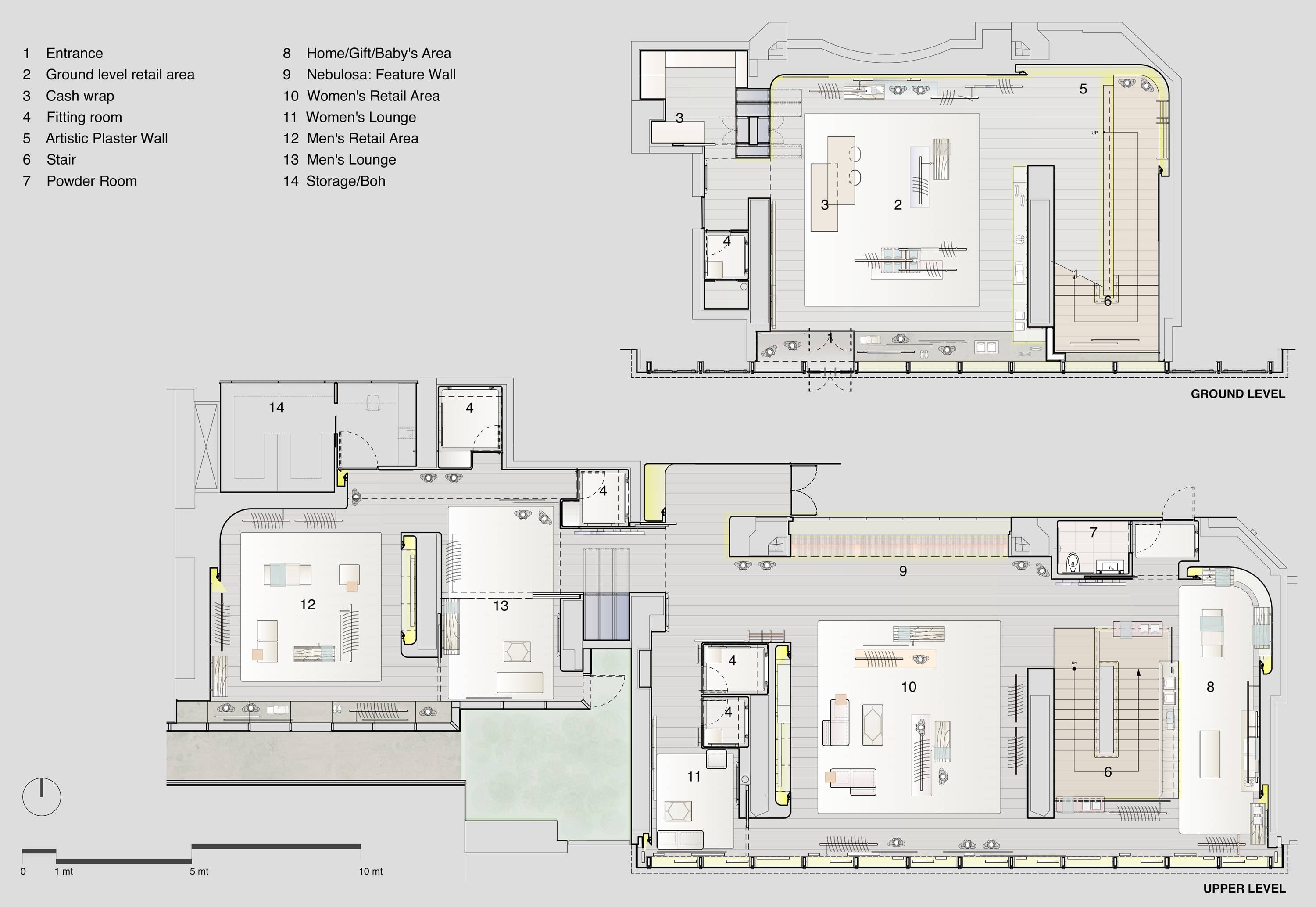
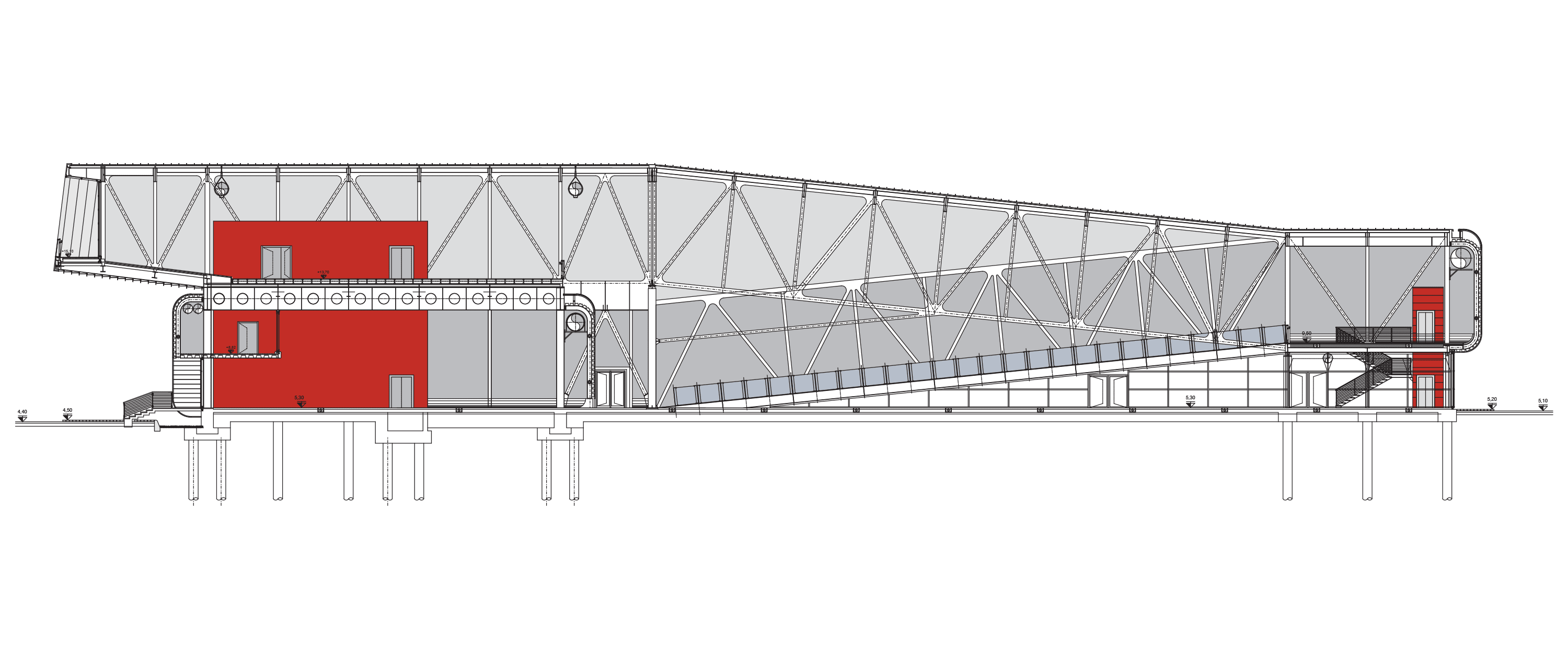
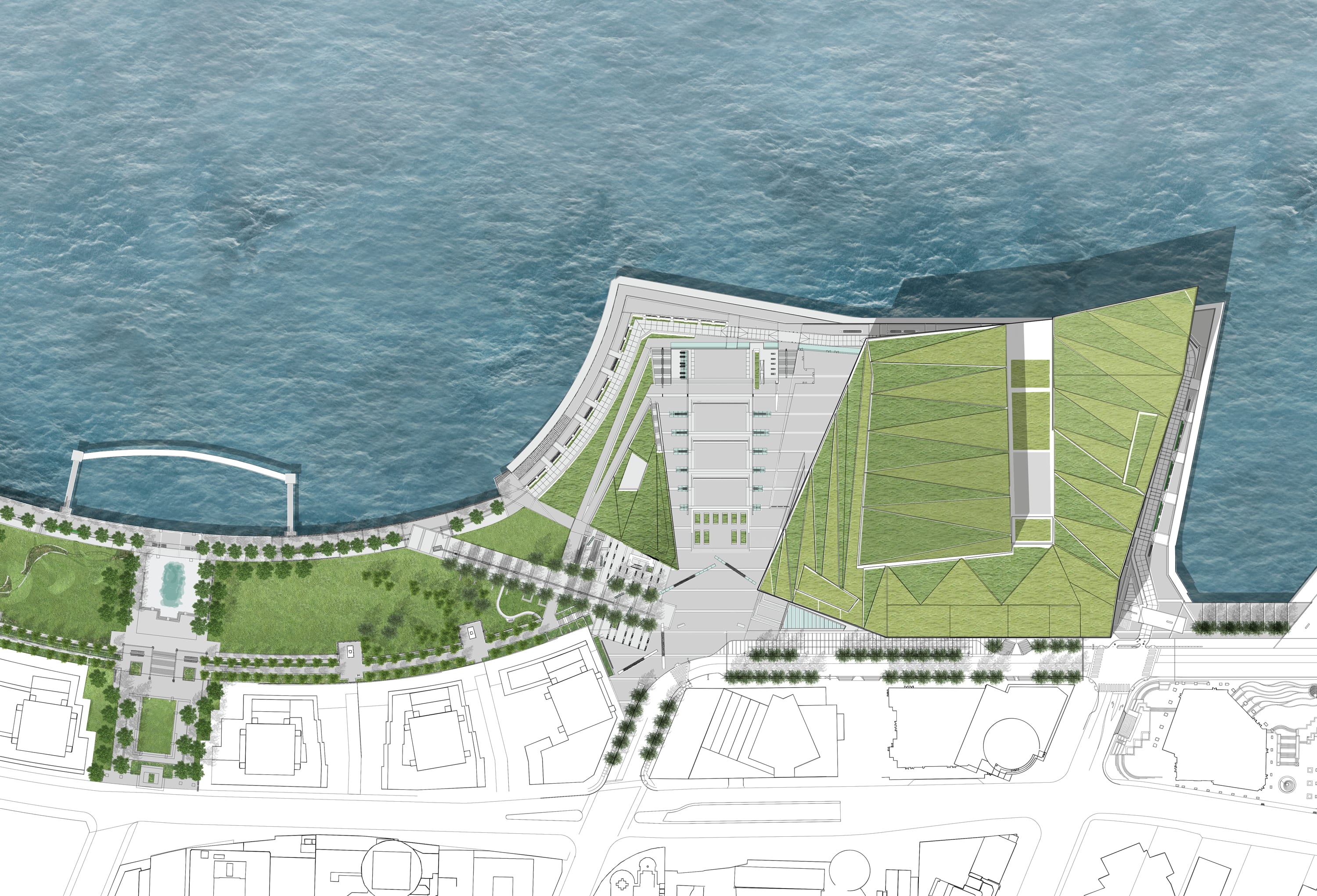
What you see is what you get. Create drawings with unmatched graphic quality for CAD drafting, with precise line thickness control, seamless gradients, rich imagery, and transparent elements. Create compelling views for clients, consultants, and reviewers with documentation that both communicates intent and reflects your unique graphic standards.

1/7

Vancouver Convention Center Expansion Project | Courtesy of PWL Partnership Landscape Architects, Inc.

We just get to spend the time we’re saving using Vectorworks on making better design decisions.”

Messana O’Rorke

Build Detailed Drawings in Fewer Clicks

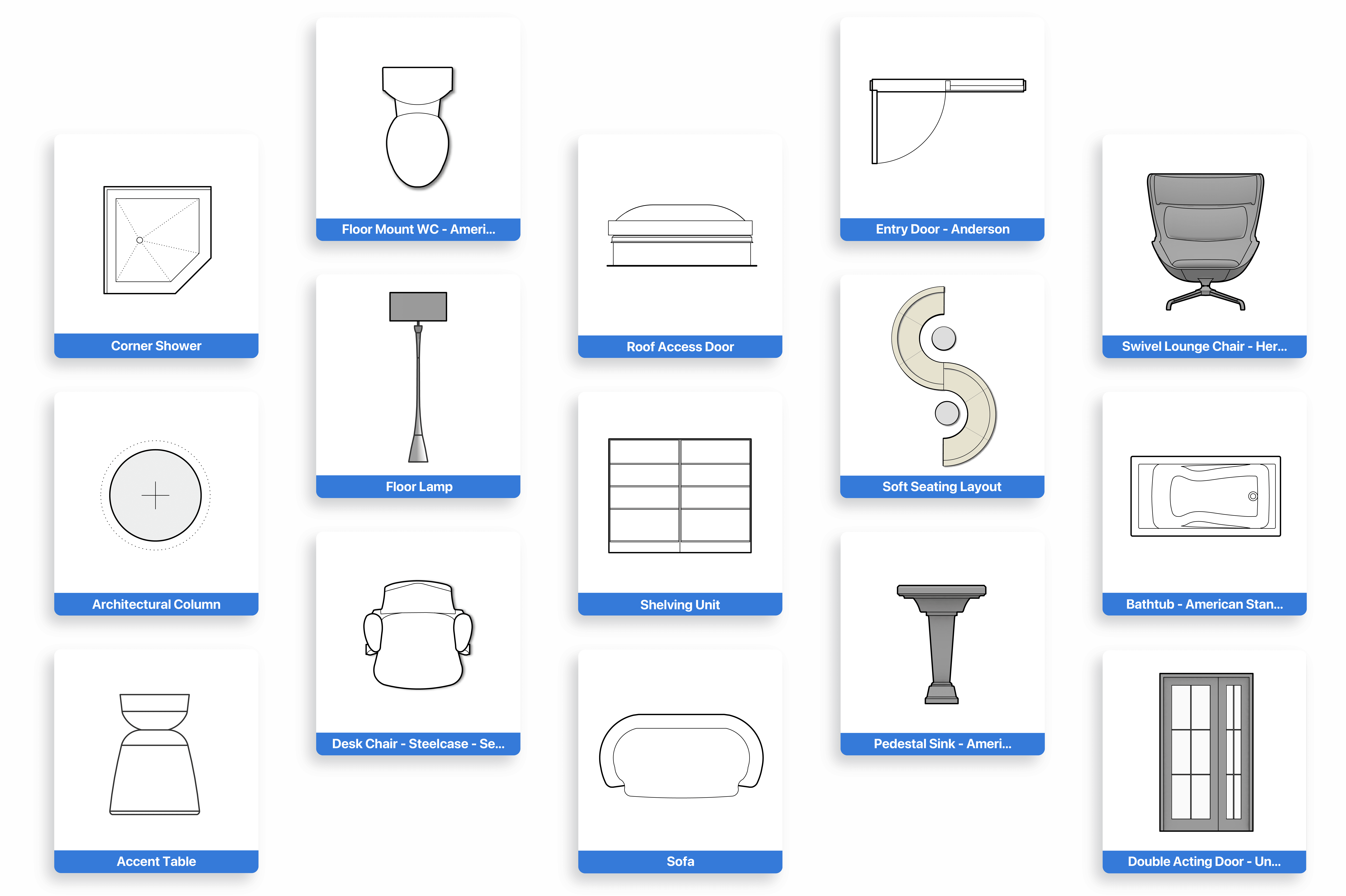
Drag and drop doors, windows, fixtures, furniture, landscape and more directly into your drawings using extensive content libraries and smart objects. With manufacturer-specific resources and customizable symbols, you can match real-world products and project standards with the click of a button. As your library grows, your team gains a reusable toolkit that speeds up every new project.

Collaborate with Confidence

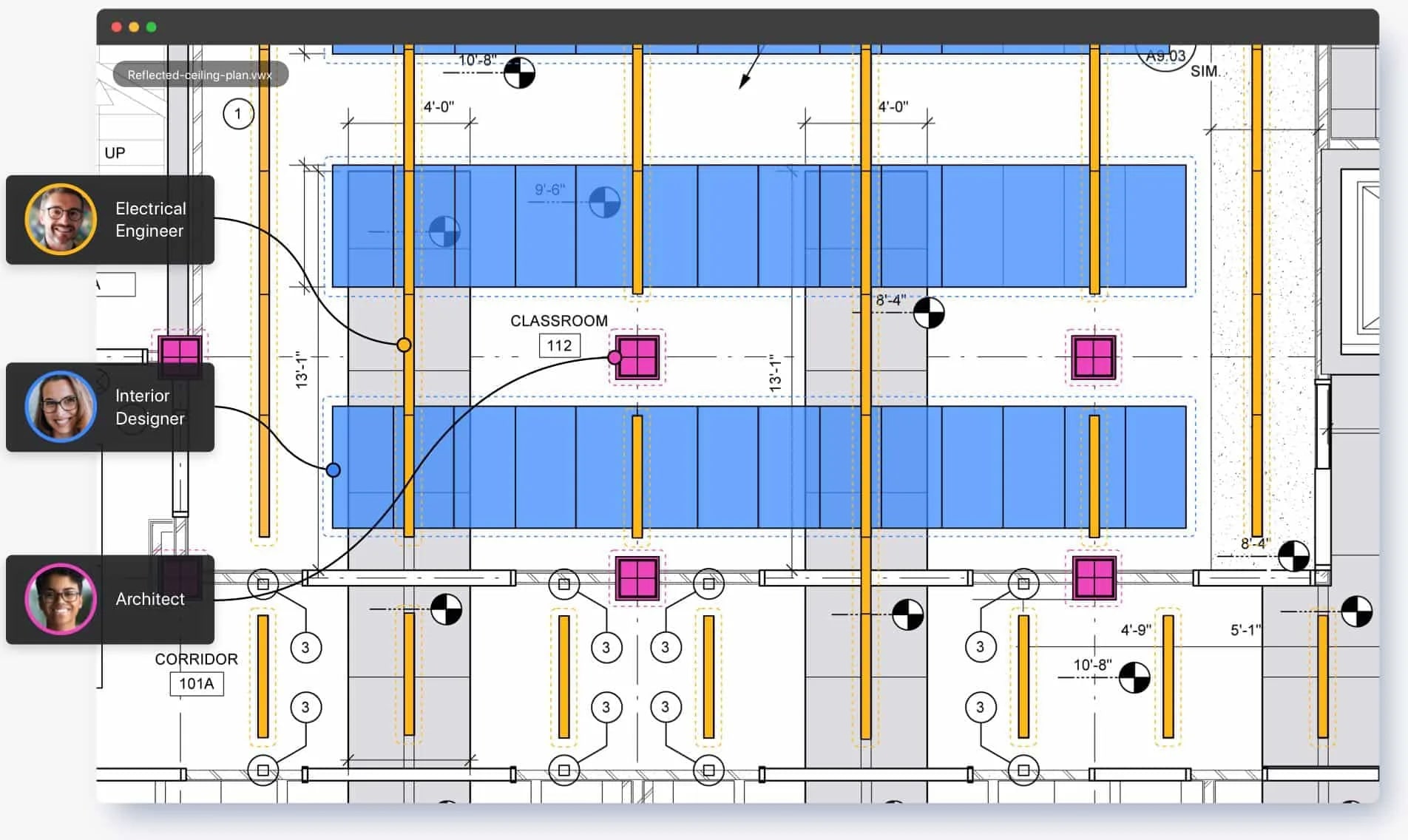
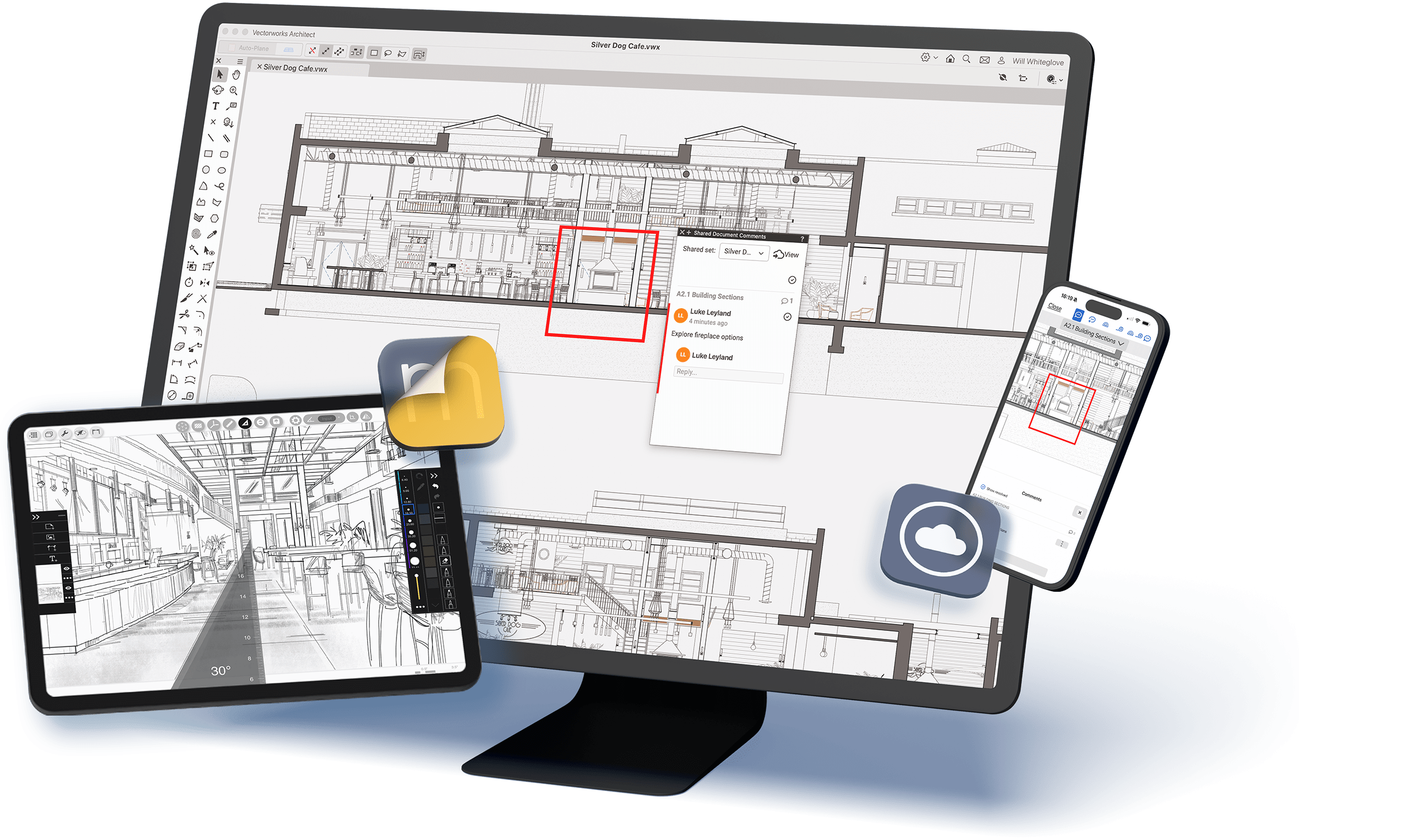
Draft with confidence knowing your designs are easy to share, present, gather feedback, and revise. No more delays or compatibility headaches. Stay connected to consultants and external teams with native support for DWG/DXF, Revit, Rhino, and more, while real-time, cloud-based reviews let collaborators and clients comment from anywhere.

USE DATA TO YOUR ADVANTAGE

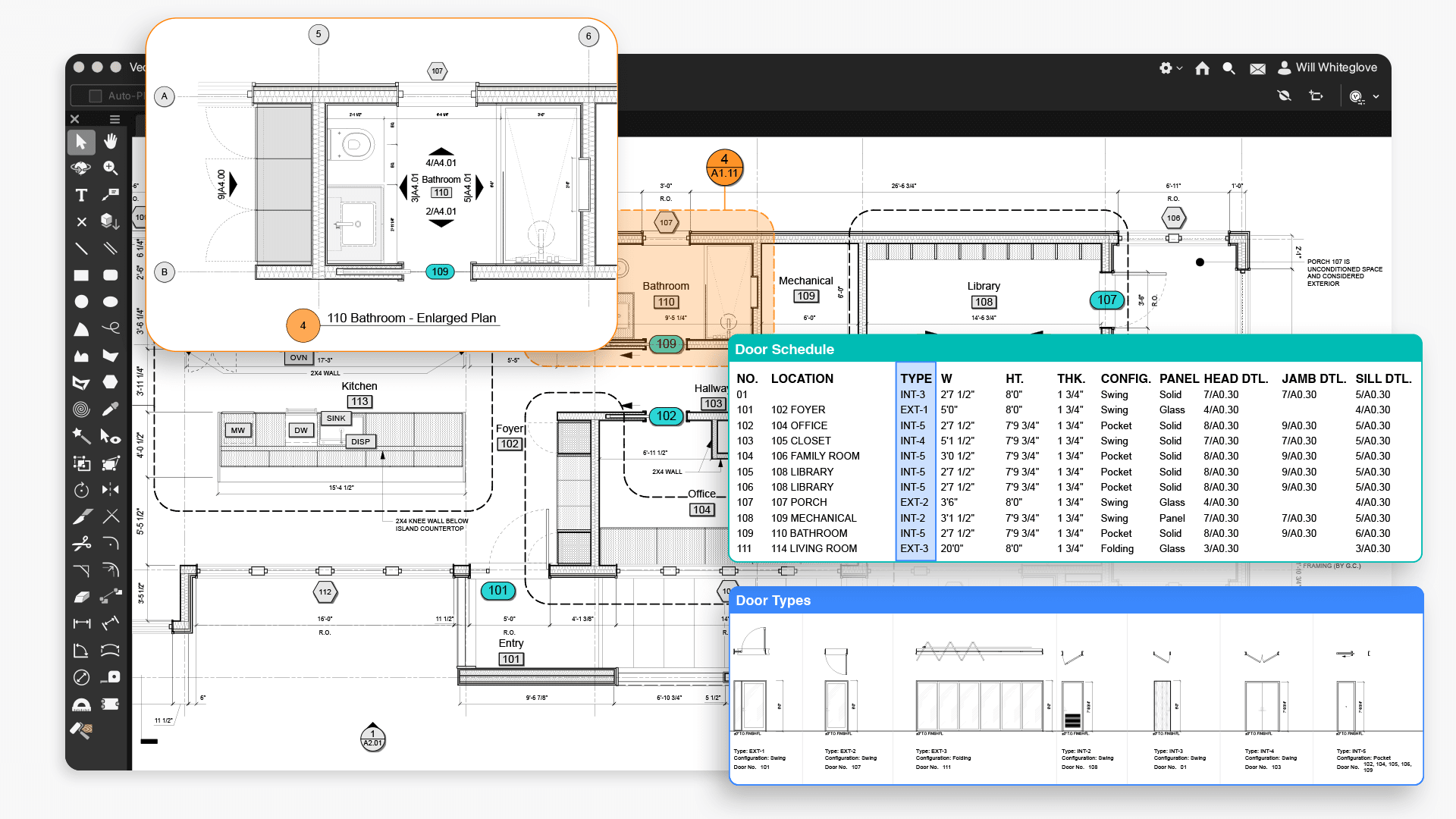
Turn the data in your drawings into live, actionable information you can trust. Generate reports and tables straight from data embedded in your objects, keeping counts, quantities, and tags up to date as your project evolves. Connect directly to Excel so schedules, calculations, and specifications stay in sync without manual re-entry.

Put Design-First Drafting Into Practice

Start with your ideas and not a rigid sequence of commands. Sketch, iterate, and refine in the order that fits your workflow, with dimensions, scales, and relationships staying coordinated across your drawings. Design-first drafting keeps you immersed in your work, with a hybrid 2D/3D environment that carries you from early concepts through detailed documentation and lets you tap into BIM data exactly when you need it, so your creative stride never breaks.

One thing I always tell my clients is that at any point in a design, even early on, everything we are showing you is very accurate because it's all coming from the same program and file that will eventually become construction documents. It allows us to be both creative and accurate, and I think that’s a wonderful feature.

alex Rose, AV Matters

Unite Your Workflow with One Powerful Drafting Software

Gain efficiency with a design-first workspace where you draft, model, document, and report in one place — no need to juggle multiple apps. Reduce your tech stack and the friction of moving files between tools like AutoCAD, SketchUp, and Photoshop, resulting in fewer workarounds, fewer exports, and more time spent advancing your design.

Stay Ahead with Tools That Evolve with You

Trust in drafting software that is as forward thinking as you are. Ongoing updates to purpose-driven features help you stay ahead of the curve.

Start Where You Are, Grow When You’re Ready

Start with the tools that fit how you work today. Level up with more advanced capabilities when you need them.

Fundamentals

Best for Modern 2D + 3D CAD

Free yourself from the limitations of traditional CAD with a modern, integrated workspace that’s ready to evolve when you are.

  • Clean, professional 2D drafting
  • Versatile parasolid 3D modeling
  • Cloud and mobile workflows
  • Mac and Windows native
  • Import/export AutoCAD, Rhino, FBX, USD
  • Forward-compatible with Architect + Design Suite

Architect

Best for Architectural BIM

Sketch, draw, and model in an environment that seamlessly blends design freedom with BIM intelligence.

  • Includes all Fundamentals capabilities
  • Data-rich architectural objects for core and shell design
  • Automated documentation and 2D drawings
  • Collaboration with IFC, Revit, SketchUp, Point Cloud
  • Advanced visualization
  • Sustainability and quality assurance
  • Interior design capabilities

Design SUite

Best for Multi-discipline Work

Expand your creative reach with software that connects architecture, landscape, and experiential design in one environment.

  • Includes all Architect capabilities
  • Landscape and site design tools
  • Entertainment lighting and rigging
  • Ideal for any project type or complexity
  • Most cost-effective option (three solutions in one)