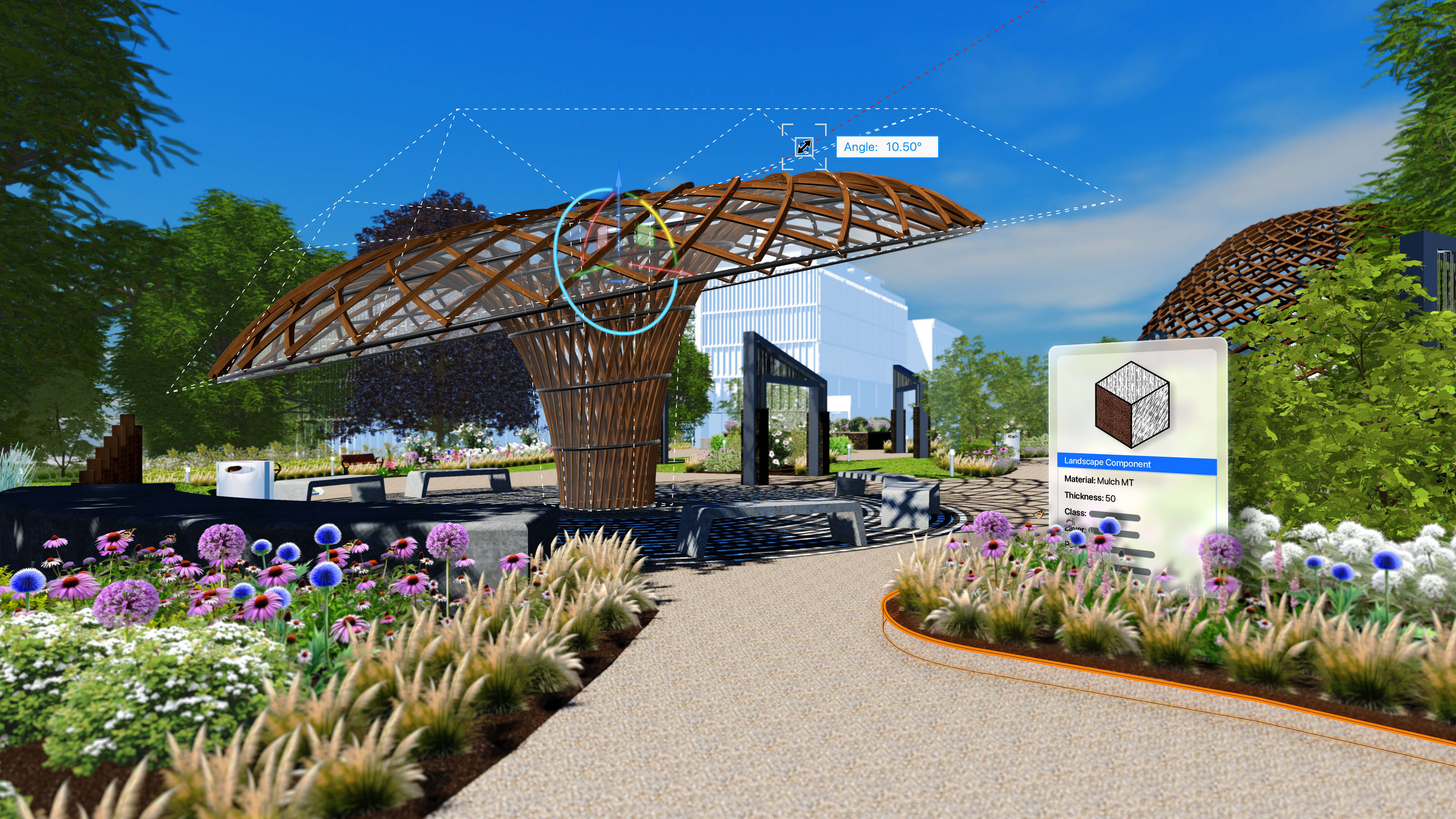
Vectorworks Landmark 2026 brings a wave of upgrades built to solve real problems landscape designers and landscape architects face every day.
The new Plant Style Manager streamlines plant data and geometry updates with spreadsheet-style batch editing capabilities. The redesigned Existing Tree tool introduces advanced geometry options and improved GIS integration. The Hardscape tool’s updated offset behavior removes guesswork and misalignment. And the expanded Grade object now supports curved geometry and flexible elevation annotation.
Each upgrade is built with clarity, accuracy, and efficiency in mind. Together, they create a smoother, more intuitive workflow that frees you to design with confidence and deliver stronger, more professional landscape projects.
PLANT STYLE MANAGER: FASTER UPDATES, CLEANER DATA, SMARTER PLANTING
Landscape designers deal with nonstop changes. Plant availability shifts, client needs evolve, and project files grow fast. Yet most designers still juggle massive plant libraries by hand. Data gets outdated, edits get repetitive, and searching for the right style slows everything down.
The Plant Style Manager in Vectorworks Landmark solves these pain points with a clean, spreadsheet-style workspace built for speed. You can filter, sort, and batch edit plant styles in your active file without digging through libraries or clicking through dialog boxes. Update ten plant styles or a hundred at once. Adjust data or geometry in bulk. The entire process becomes clear and controlled.
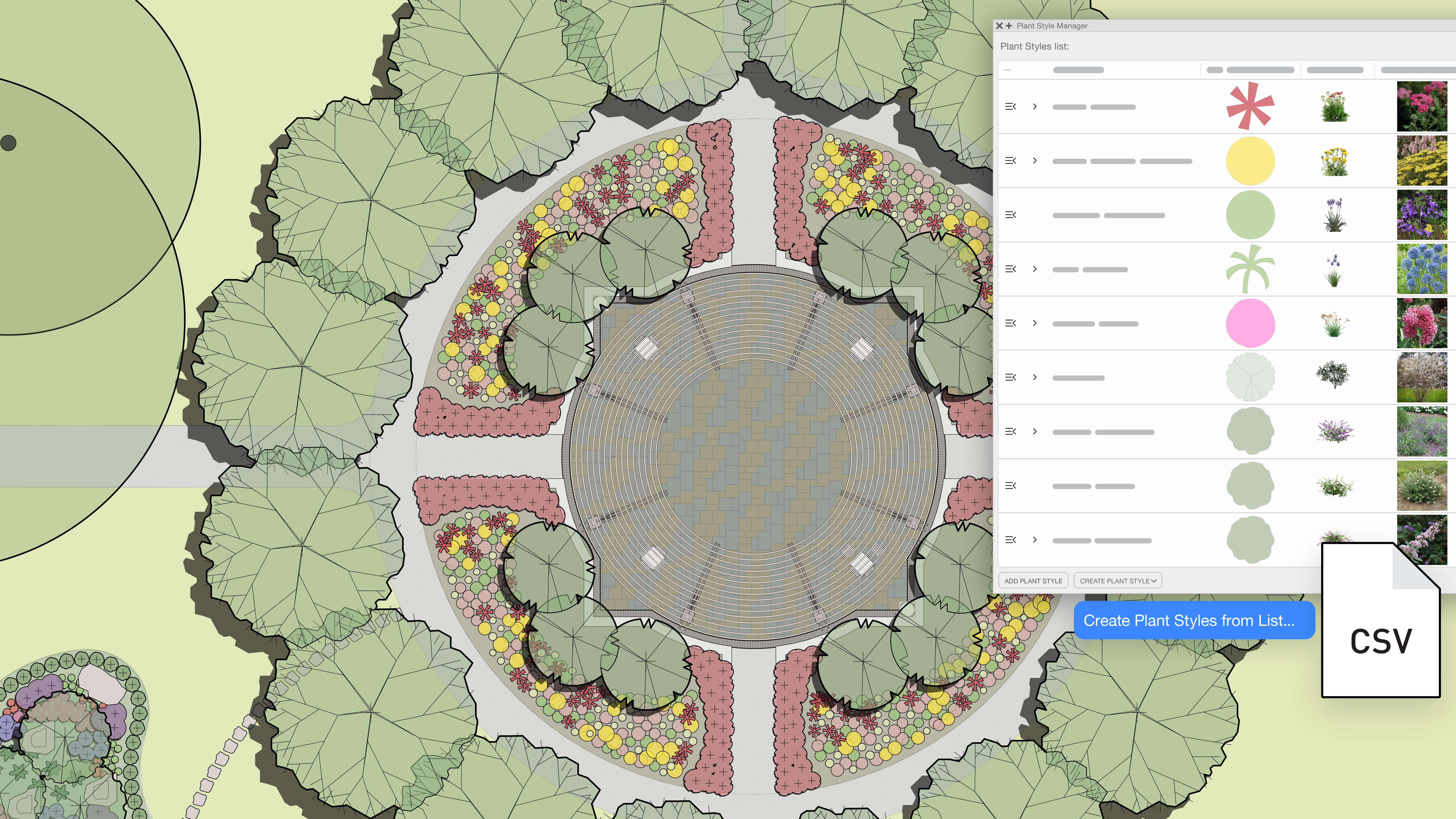
This upgrade goes further with the new Copy External Data command. Instead of typing values into fields one by one, you can pull live, market-ready information straight from partner nursery websites. Spread, height, images, and other key fields map in automatically. You get accurate, localized data with little to no manual entry, which keeps your plant styles current and matched to what nurseries actually supply.
The redesigned Plant tool also brings serious efficiency gains. You get smoother placement, live previews, flexible editing, and better handling of hedge configurations. Expanded fields support irrigation and maintenance planning. And, with the new Create Plant Styles from List command, you can select a spreadsheet and match columns with fields in Vectorworks. This allows you to create hundreds of plant styles in seconds, and then you can batch edit them immediately after the list is created.
Together, these improvements mean you can update data faster, place plants with confidence, and build accurate libraries with minimal setup time. The result is a cleaner, more intuitive design experience that frees you to focus on creative decisions and deliver stronger, more detailed landscape plans.
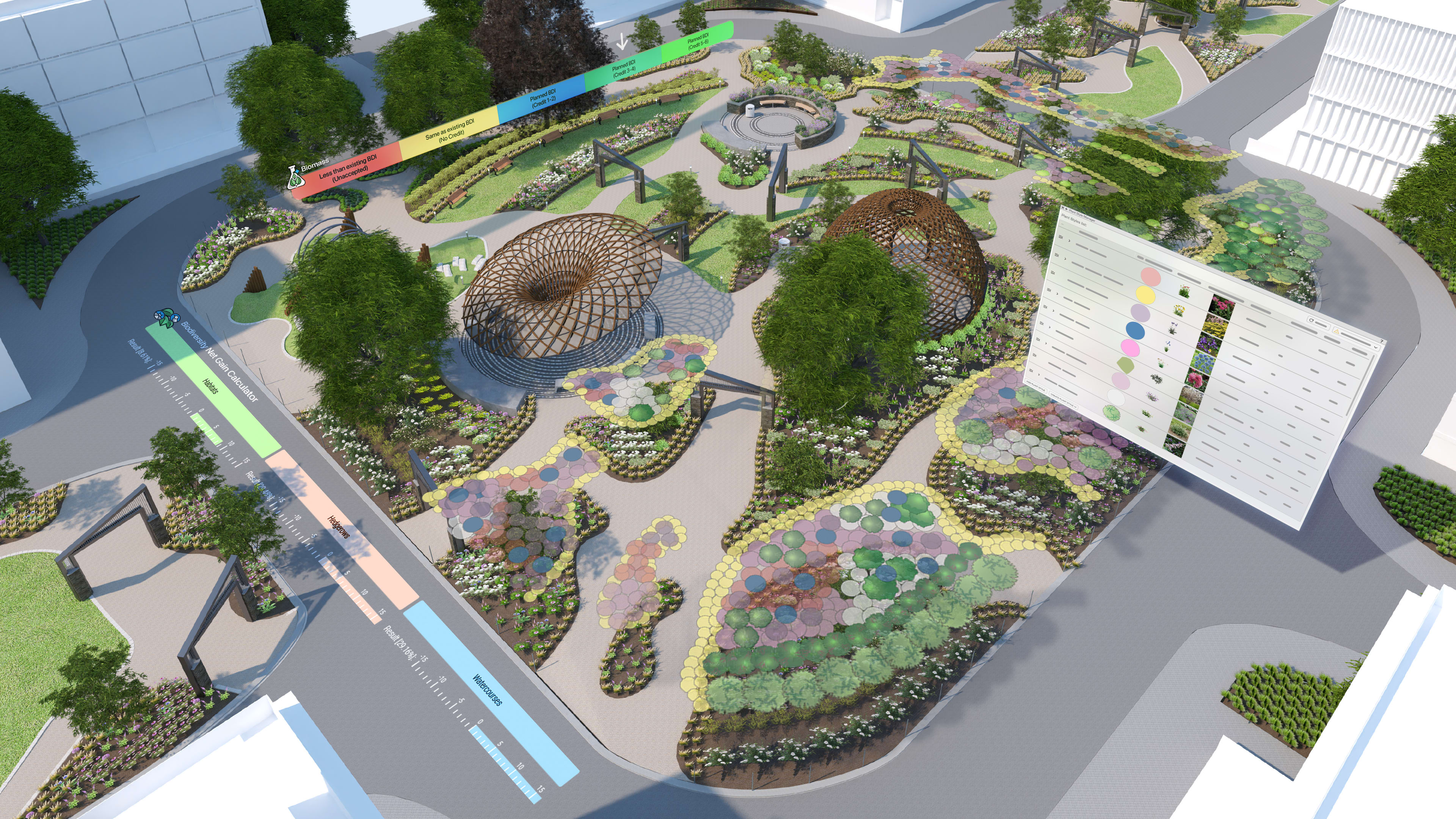
A SMARTER, MORE REALISTIC EXISTING TREE TOOL
Working with existing vegetation should be straightforward, as it’s one of the starting points of a landscape project. Improperly accounted-for existing trees can undercut the quality of site models that rely on accurate, data-rich trees.
The updated Existing Tree tool in Vectorworks Landmark 2026 supports Maxon Plant geometry, image props, and 3D symbols, giving you more flexibility in how you want to represent them in 3D. In 2D, you can define canopy spread in eight cardinal directions, so your tree forms match real site conditions instead of generic averages.
All of this happens inside a single, unified tool that respects both the artistic and technical sides of landscape work. You get accurate geometry, clean data, and effortless integration with your broader model.
CLEANER, MORE PRECISE PATH OFFSETS WITH THE HARDSCAPE TOOL
Pathway Mode has always been useful, but we’ve heard from designers that the offset behavior could be confusing.
The updated Hardscape tool fixes this by redefining how offsets work. Offsets are now calculated from the line you draw, not an invisible center line. The offset value is also exposed as a clear parameter in the tool preferences, so you always know exactly what you are adjusting.
This means the number you enter matches the real movement of the pathway edge. No guessing, no compensating, and no rework. You can widen or narrow a path with confidence, knowing the geometry will land exactly where you expect.
The result is a smoother, more predictable workflow that keeps your hardscape designs accurate from the moment you start drawing. This small shift delivers big gains in clarity, speed, and reliability.
FLEXIBLE, PRECISE GRADING WITH CURVES, 3D CONTROL, AND SMARTER LABELS
Grading should adapt to the site, not force you into rigid workflows.
The upgraded Grade object changes the experience completely. You can now draw and reshape grades as tangent, arc, cubic, and Bezier curves, or as polylines that flow with the terrain.
Elevations are no longer locked to a static label. Instead, you can tag grade endpoints with Data Tags that move, rotate, format, and report however you need. This gives you clean, standards-aligned elevation callouts, including elevation above sea level, all without wrestling with fixed annotation.
Together, these updates give you full control over how your grades look, behave, and report. You can lock key parameters, produce accurate schedules, present information clearly, and reshape 2D geometry in seconds. The result is faster site modeling, fewer errors, and documentation that stays both professional and flexible across every phase of the project.
INTELLIGENTLY TRACK SUSTAINABILITY METRICS WITH A NEW DASHBOARD
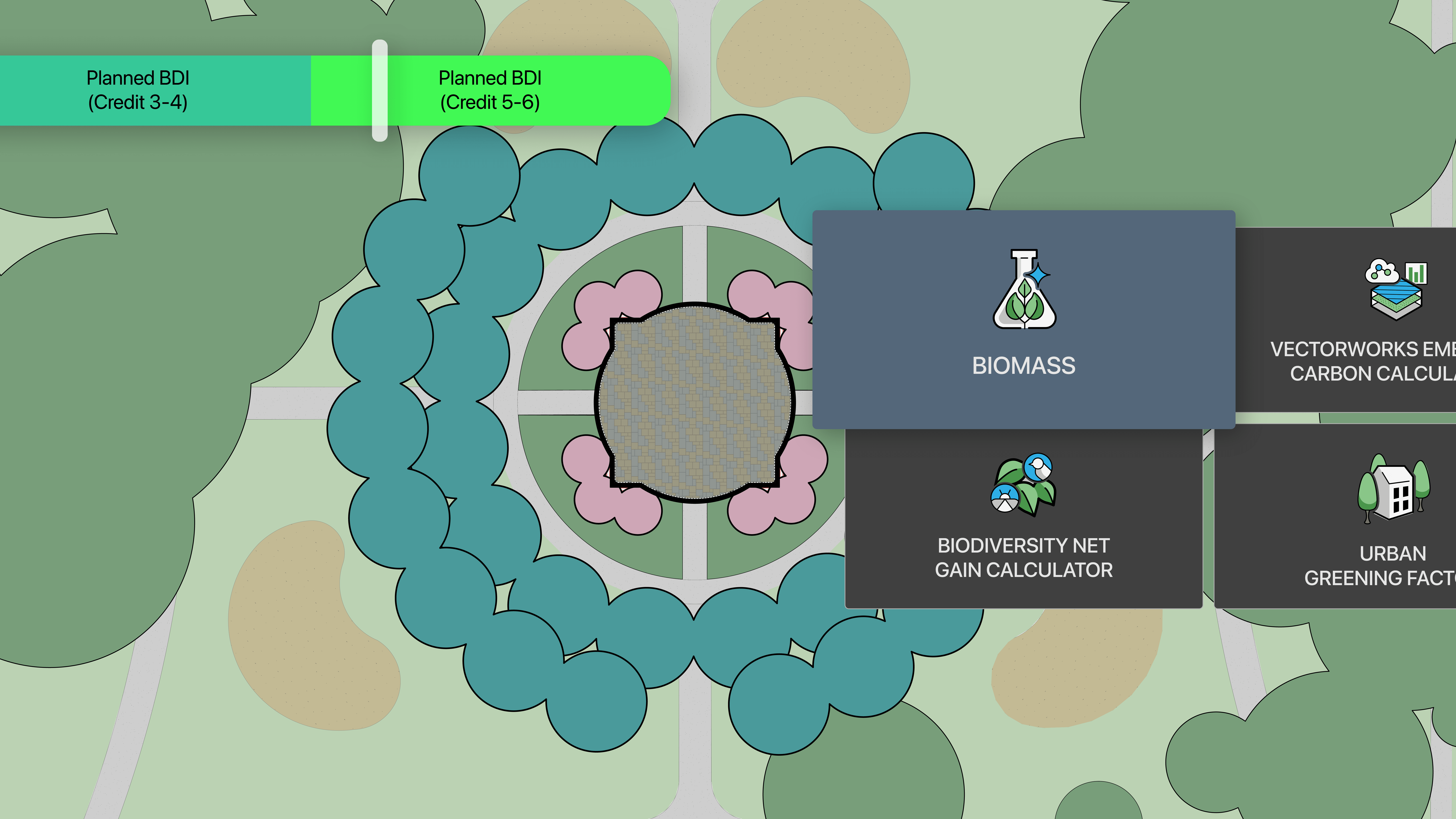
The dashboard automatically aggregates data from your design model, tracking four critical sustainability markers — Embodied Carbon, Urban Greening Factor (UGF), Biomass Density, and Biodiversity Net Gain (BNG) — all updated as your design evolves.
With the new dashboard, you can stay ahead of regulations, avoid costly late-stage revisions, and more reliably deliver compliant projects. The result is smarter, more resilient designs that demonstrate your commitment to sustainable excellence.
Stay in the know with the latest insights
Subscribers receive news, customer stories, success and learning tips, event information, and other important announcements from Vectorworks.
By submitting this form, you agree that Vectorworks, Inc. and its authorized partners may contact you in regards to news, offers, and the use of our software, services, and platforms. Learn more about our privacy practices and your data on our privacy page.*