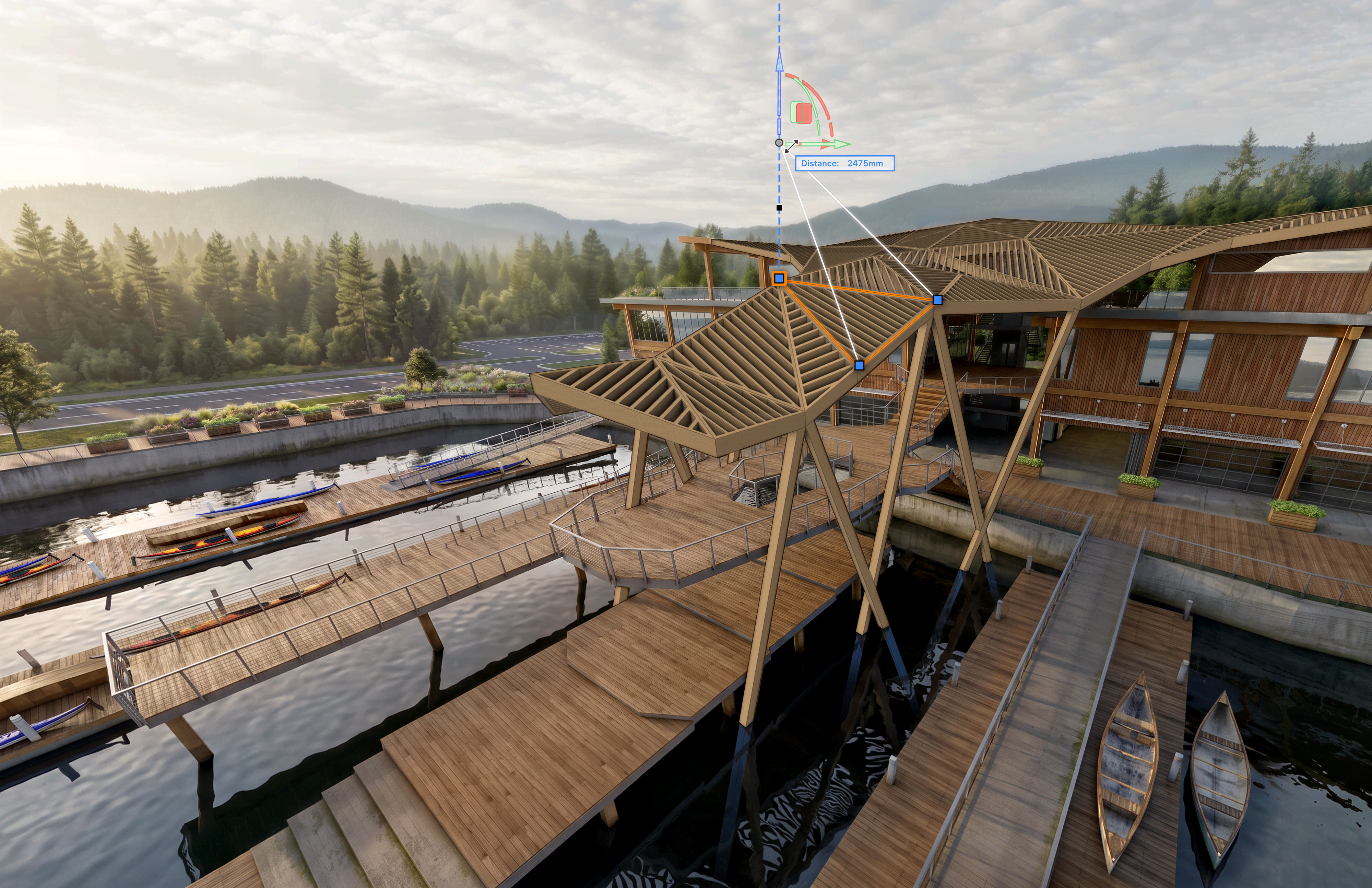
What does it take to bring a new version of Vectorworks from concept to release?
Go behind the scenes of Vectorworks 2027 with Hugues Tsafak, vice president of product development, and Vladislav Stanev, vice president of product management. In this interview, they discuss the development process behind the release, the priorities that shaped it, and how the team is responding to designers’ changing needs.
Read the conversation below, then visit the What’s New page to explore the new features in Vectorworks 2027.
Faster Performance, Where Every Second Counts
For the teams behind each new version of Vectorworks design software, development begins with a simple question: What will make a meaningful difference in the way you work?
“Performance is always at the top of the list, but also usability and simplicity are right there,” said Stanev.
Vectorworks 2027 introduces a modernized graphics engine, which takes greater advantage of current GPU hardware to improve the visual experience across the software. This work updates a foundation that reaches across the application and supports the visual experience you rely on throughout the day.
The commitment to enhanced performance for your workflows doesn’t end with the release of Vectorworks 2027, either. As Tsafak said, “There’s never an end goal where you reach a point and say you’ve done all the performance work. It’s a continuous process of improvement.”
Real-World Feedback, Where it Shapes Experience
No matter your design discipline, there are challenges. Architects need to manage detailed building information. Landscape professionals have to balance site conditions, planting, grading, and documentation. And entertainment designers require technical precision while working at the pace of a production.
The developers of Vectorworks 2027 paid close attention to these challenges and listened to designers who work in these design disciplines every day. Product and research teams monitor the Vectorworks Forum, meet with companies of different sizes, and stay connected with customers to understand common workflow needs.
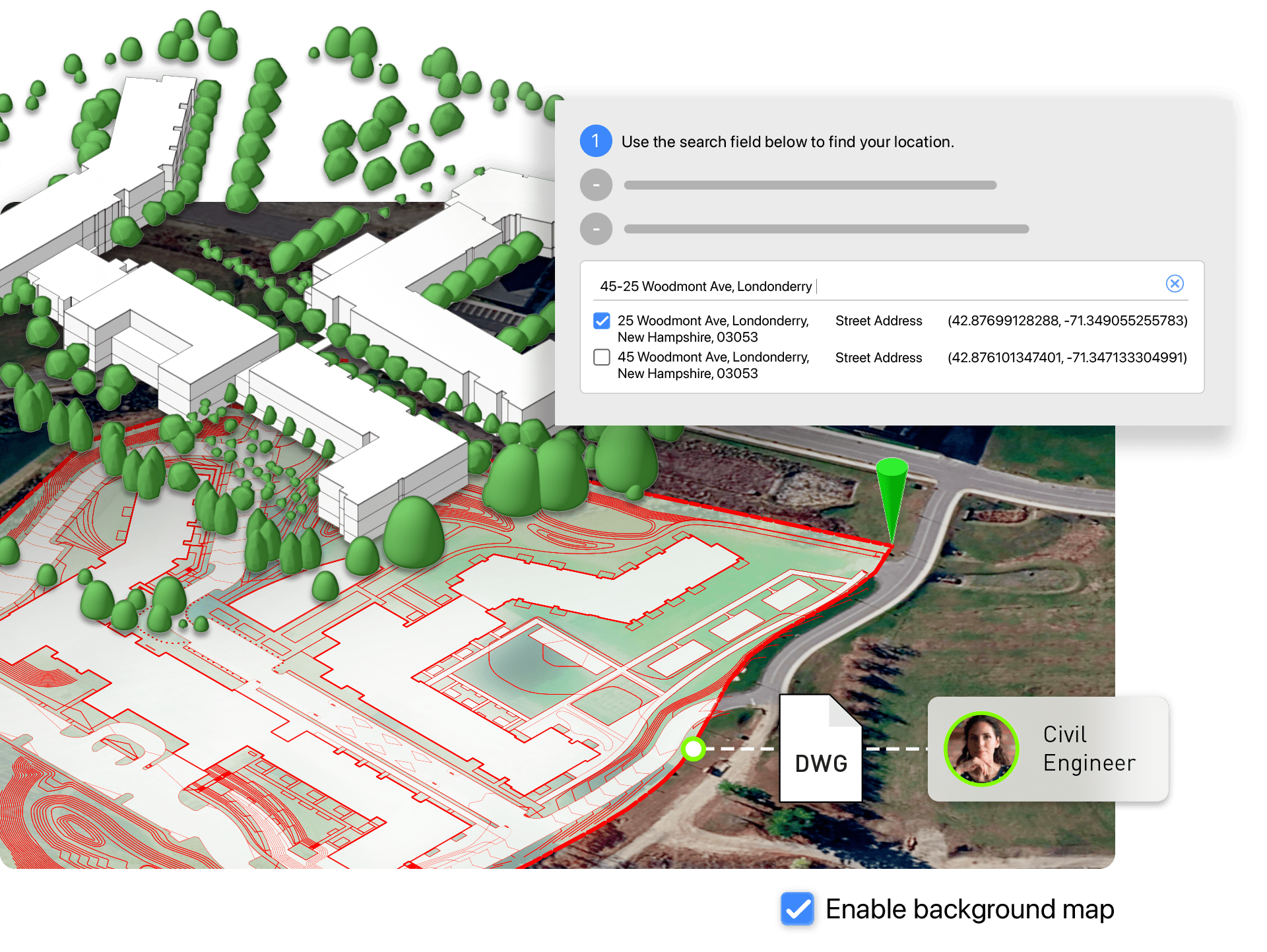
That input helps shape priorities for each release. In Vectorworks 2027, customer input informed new features like the Geolocation Setup Wizard, which aligns surveys, point clouds, GIS layers, and location imagery — including Google Maps imagery — around a single survey point.
“That’s the feedback loop: we release something, listen to customers’ responses, and use what we learn to shape the next update or version,” said Tsafak.
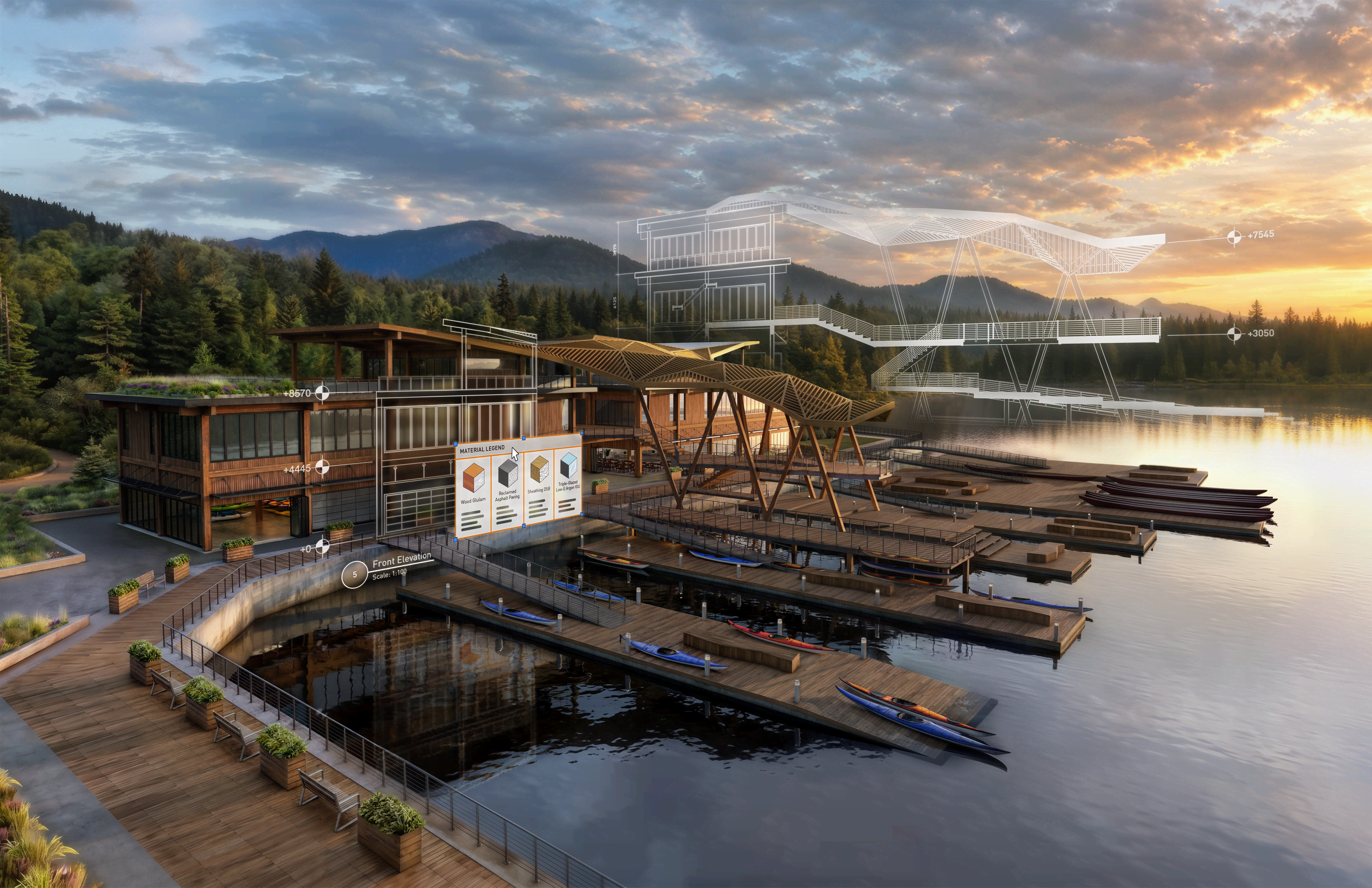
In addition to the Vectorworks Forum and on-site visits, the latest version of Vectorworks is also informed by beta testers. With the new Texture Resource Modernization, early testers found parts of the experience too complex, so the team revisited the interface to make the workflow easier to approach while retaining access to more advanced capabilities.
The goal is an experience that feels approachable at first, with deeper capabilities available as your needs grow. Powerful tools should feel inviting rather than intimidating.
Smarter Assistance, Where Context Matters
AI’s role in CAD workflows is often discussed. For Vectorworks developers, though, it’s simply about how AI can help you solve real-world problems.
“For me, that’s the most important differentiation: usefulness versus novelty. Our approach is always towards usefulness,” said Stanev.
Vectorworks 2027 includes an AI Assistant integrated into the application and continued improvements to AI Visualizer.
The AI Assistant is designed to provide help that relates to what you’re doing in Vectorworks at that moment. “It’s actually capable of understanding the context of a question. If you ask a question, it will know what tool you’ve selected or what dialog box you’ve opened and thus provide you with a better answer,” said Stanev.
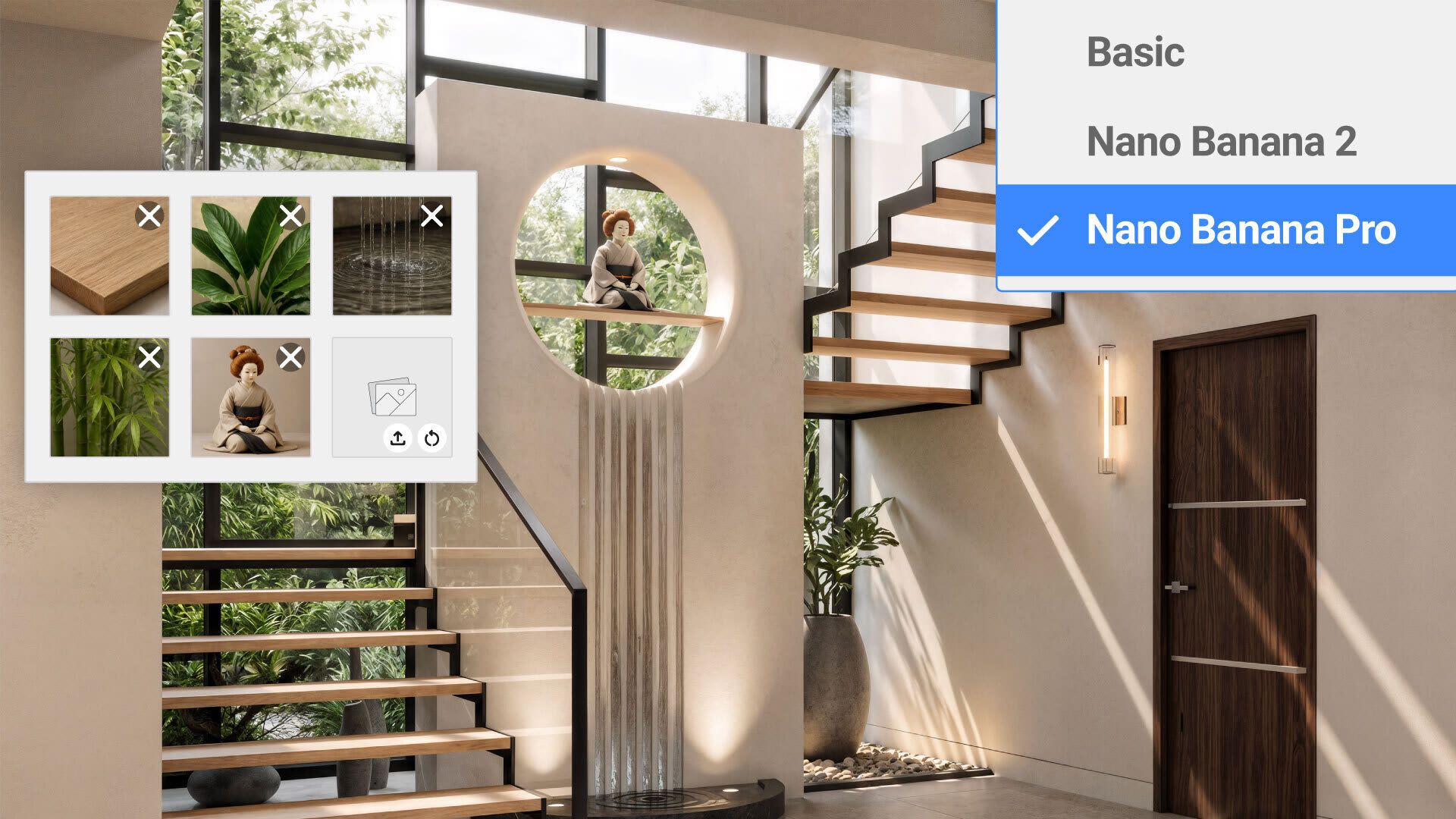
Additionally, the AI Visualizer now gives you access to Google’s Nano Banana models for higher-quality, more realistic AI-generated visuals. This feature also aids in your design process, helping you ideate on your inspirations and explore creative ideas at speed.
The Vectorworks team continues to explore additional AI applications, guided by the same practical standard. “We don’t want to just put an AI feature out there because they’re cool,” said Tsafak. “We want to make sure that they’re useful and solve the customers’ problems.”
Greater Flexibility, Where Workflows Connect
Your design workflows need to be flexible. That’s why the latest release helps you exchange information, coordinate with collaborators, and incorporate files from other design platforms.
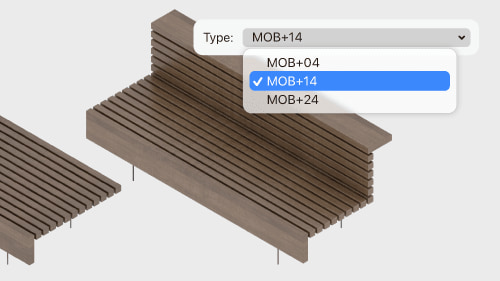
Interoperability has long been an area of focus for Vectorworks, as Stanev noted. “For many years, we’ve been working on DWG interoperability, and Revit is also top of everybody’s mind.”
Vectorworks 2027 supports richer imports that bring in more than basic linework. The team worked to import intelligent content, including Dynamic Blocks and Revit families, so you can make better use of information from other project files.
Dependable Workflows, Where Reliability Matters Most
The release of Vectorworks 2027 reflects the development team’s continued work to give you what you need where it matters most: in the everyday moments when ideas take shape, projects move forward, and great design becomes a reality.
DISCOVER VECTORWORKS 2027
Click the button below to learn more about the latest release of Vectorworks design software.
Stay in the know with the latest insights
Subscribers receive news, customer stories, success and learning tips, event information, and other important announcements from Vectorworks.
By submitting this form, you agree that Vectorworks, Inc. and its authorized partners may contact you in regards to news, offers, and the use of our software, services, and platforms. Learn more about our privacy practices and your data on our privacy page.*