
Looking to sharpen your Vectorworks skills and bring more efficiency to your design workflows?
Vectorworks University offers a range of free webinars, professional certifications, sample files, and paid courses designed specifically for professionals who want to go beyond the basics.
Whether you’re managing complex data, building accurate site bases, drafting light plots, or developing flexible set designs, Vectorworks University’s newest paid courses give you the tools and best practices you need to work smarter, faster, and with greater confidence.
Data in Vectorworks

This on-demand class offers a comprehensive exploration of working with data in Vectorworks software, covering everything from built-in object parameters to advanced visualization and reporting techniques.
You’ll start by examining the different types of native object data within Vectorworks, then progress to creating and attaching custom records for both simple and complex objects. The class will also demonstrate practical methods for viewing, managing, and presenting data using tools such as Data Visualization, Data Tags, and report generation.
This class will develop your skills to structure, manage, and leverage object data effectively — ultimately boosting project efficiency, accuracy, and documentation quality.
In this session, Vectorworks customers will also learn how to:
-
Recognize different types of default object data, including 2D, hybrid, and complex objects, and navigate the Object Info Palette (OIP) and Resource Manager to explore attached records.
-
Develop and apply custom records to objects, incorporating various field types such as boolean values, text fields, and dropdown lists, and attach them using conventional methods.
-
Utilize Data Visualization and Data Tags to display object data within drawings and generate both preformatted and custom reports for project documentation.
Vectorworks Landmark: Site Base Generation
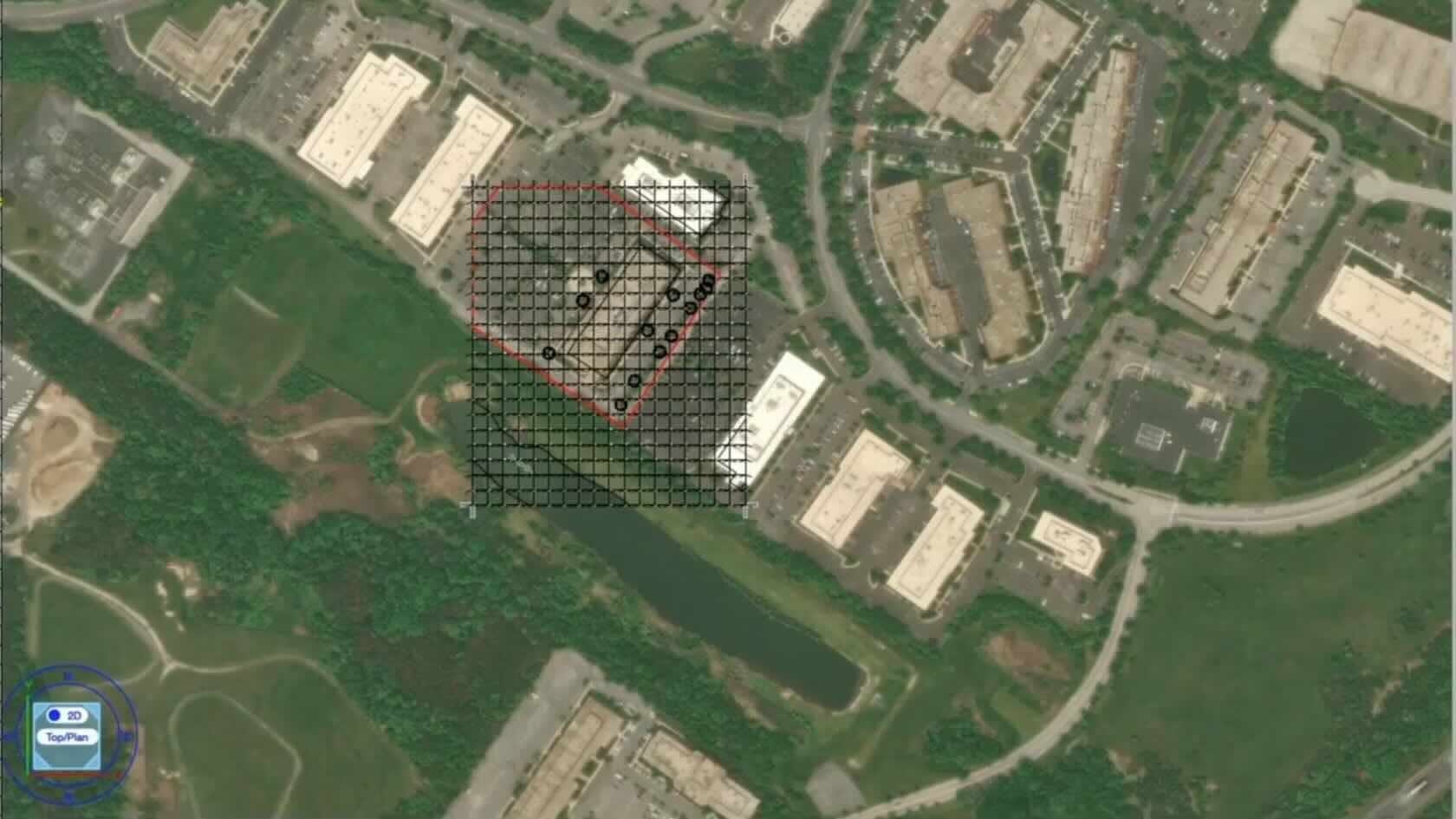
Unlock efficient, organized workflows for professional landscape design in this comprehensive course. You’ll learn to establish a robust file structure and create reliable base files — laying the foundation for thorough project analysis, design, and development.
This paid class offers practical guidance on developing and using template files for landscape design in Vectorworks, equipping both individual designers and collaborative teams to work more efficiently and consistently. You’ll discover best practices for document setup, including georeferenced workflows that facilitate seamless collaboration with others using real-world coordinate systems, and maximize the power of Vectorworks' suite of GIS features.
You’ll also learn how to identify, manage, and employ the most effective data types for site model creation, ensuring your documents remain organized from the outset and ready to handle external references. By mastering these workflows, you’ll gain the confidence to streamline your document management and establish a solid project base file for every new landscape design project.
In this session, Vectorworks customers will also learn how to:
-
Establish template and documentation standards for organizing design layers and class structures tailored to landscape design projects.
-
Configure project files for effective georeferenced workflows, ensuring seamless integration with real-world coordinate systems and collaborative environments.
-
Implement efficient processes for managing and integrating external documentation, including various file types and reference materials.
-
Select and apply appropriate data formats to streamline site model creation and enhance overall project accuracy and scope.
Click here to begin the paid course, “Vectorworks Landmark: Site Base Generation.”
Vectorworks for Lighting Designers: Crafting Effective Light Plots
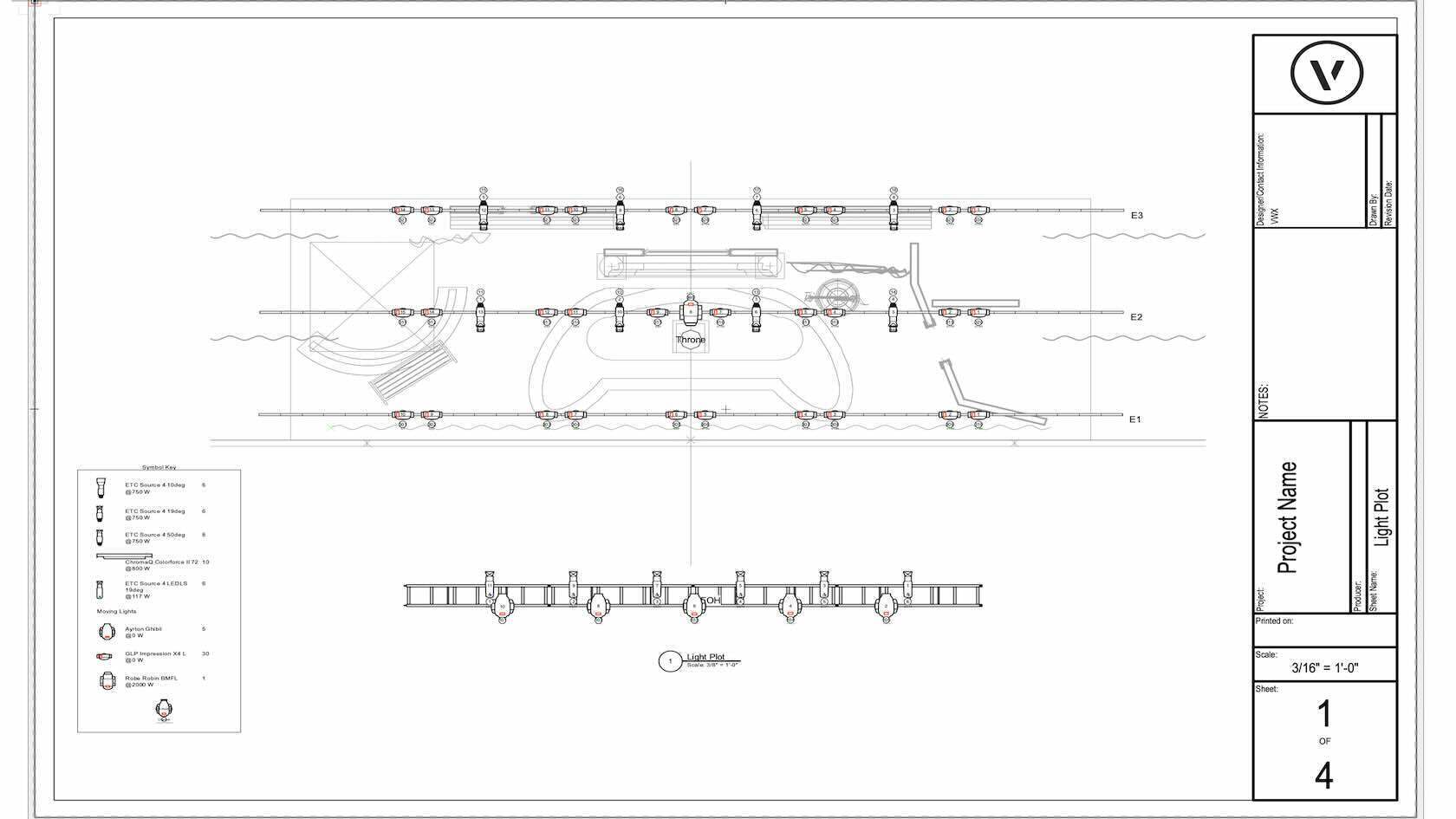
Vectorworks Spotlight has been used by Broadway lighting designers for decades. Its tools and functionality make Spotlight the industry standard. This course will cover the basics of creating a light plot.
During the design process, you’ll learn how to use Spotlight’s tools to correctly insert and focus lighting devices, allowing accurate representation of beams and angles. Putting on our electrician's hat, you’ll also learn how to add channel and DMX addressing. By the end of the class, you’ll have a full set of production documents, including light plots and sections, equipment counts, instrument schedules and hookups, and even rendered images.
In this session, Vectorworks customers will also learn how to:
-
Insert and focus theatrical lights accurately in 3D space.
-
Input and display lighting data, both on the plot and through instrument schedules.
-
Create rendered images of lighting looks.
Vectorworks for Set Designers: Developing Efficient and Flexible Set Designs
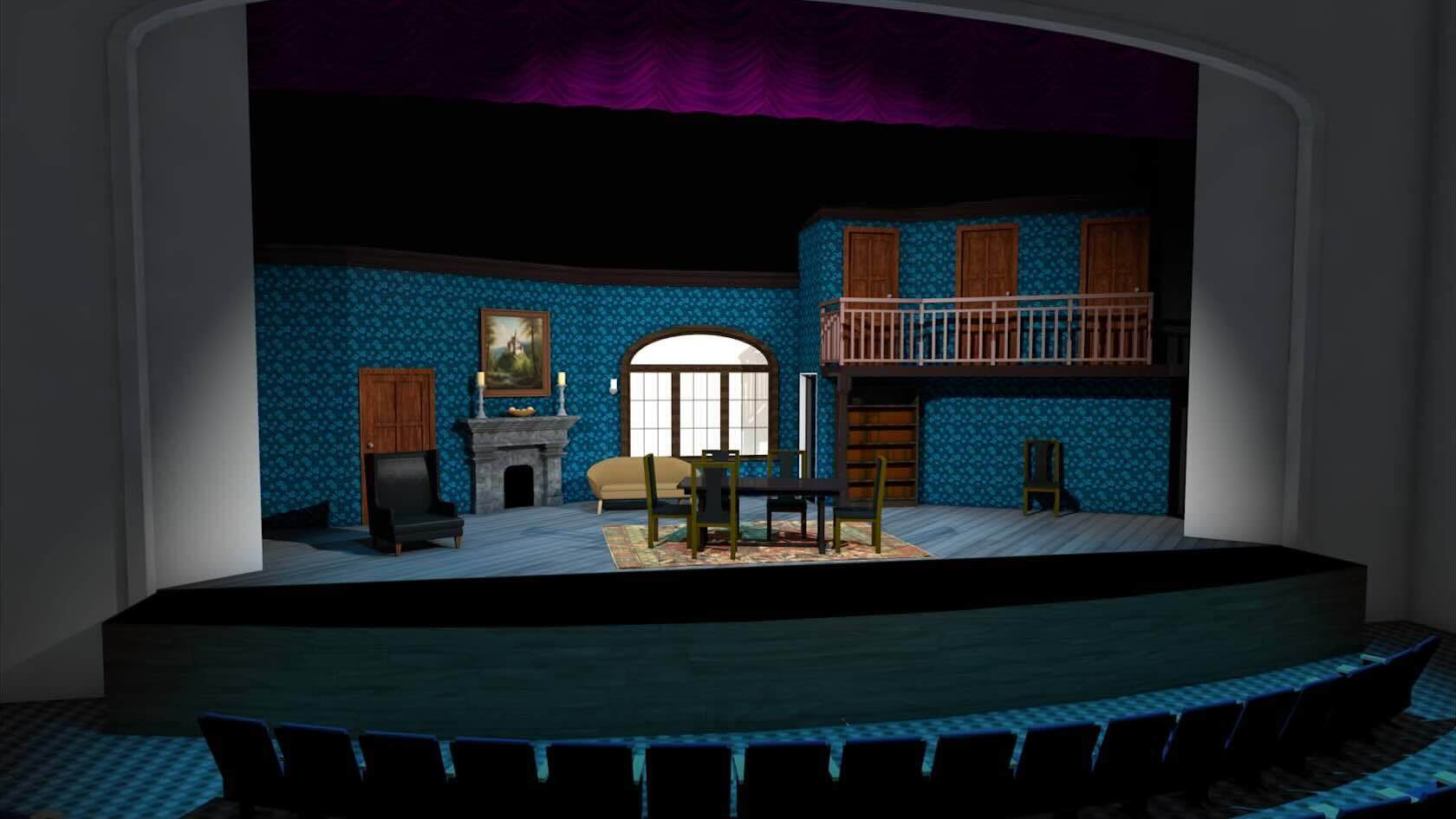
Vectorworks Spotlight has also been a trusted tool among theatrical designers. Lighting designers were among the first to adopt the software, drawn to its intuitive tools for drafting light plots and managing large volumes of data. Scenic designers soon followed, recognizing its flexibility and creative potential. This class will guide you through the workflow of creating a set design using Vectorworks, from the initial conceptual design and progress through building a white model, eventually adding color, textures, and detail.
Using basic Spotlight and architectural tools, along with simple 3D modeling techniques, the course will continue, focusing on developing an efficient, flexible workflow. Key topics include the strategic use of layers and classes to support design flexibility and streamline collaboration. You’ll also explore how to structure files and workflows so that fellow designers and assistants can work simultaneously on different aspects of the set — preserving visual consistency while generating precise construction documentation for individual elements.
In this session, Vectorworks customers will also learn how to:
-
Develop a flexible workflow with efficient use of classes and layers.
-
Easily modify surface treatments by modifying classes or using data visualization.
-
Collaborate with your team by utilizing references.
VECTORWORKS UNIVERSITY
Check out other courses, webinars, and more on Vectorworks University.
Stay in the know with the latest insights
Subscribers receive news, customer stories, success and learning tips, event information, and other important announcements from Vectorworks.
By submitting this form, you agree that Vectorworks, Inc. and its authorized partners may contact you in regards to news, offers, and the use of our software, services, and platforms. Learn more about our privacy practices and your data on our privacy page.*