
This August, Vectorworks aired several webinars to showcase industry insights and explain how to use Vectorworks software to drive impact and efficiency. The sessions featured best practices and useful tips for getting started with Vectorworks Architect, executing design-to-build workflows for efficiency in landscape design, and performing real-time previz for lighting design in Vectorworks Spotlight.
Find the full details below, and you can now watch the sessions on demand anytime on Vectorworks University.
Architectural Workflows From Our Industry Experts
Aired August 21
This webinar is hosted by seven members of the Vectorworks team for an unmatched, interactive discussion on best practices and useful tips to get you started with Vectorworks Architect. In this session, they will share workflows that you can apply and implement at your own pace, learn specific software behavior to help you gain confidence, and assess which tool sets are most useful to get you productive on a project faster.

Design-To-Build Workflows For Efficiency
Aired August 19
This webinar takes a behind-the-scenes look at a real-world, streamlined landscape design process using design software and supporting technologies. In this session, Maggie Little and Andrea Wilson Mueller of Inside Out Landscape Design walk you through the entire project lifecycle. You’ll learn how integrating smart workflows improves internal efficiency and elevates the client experience with compelling visuals and clear construction directives.
The Previz and Rendering Power of Showcase
Aired August 27
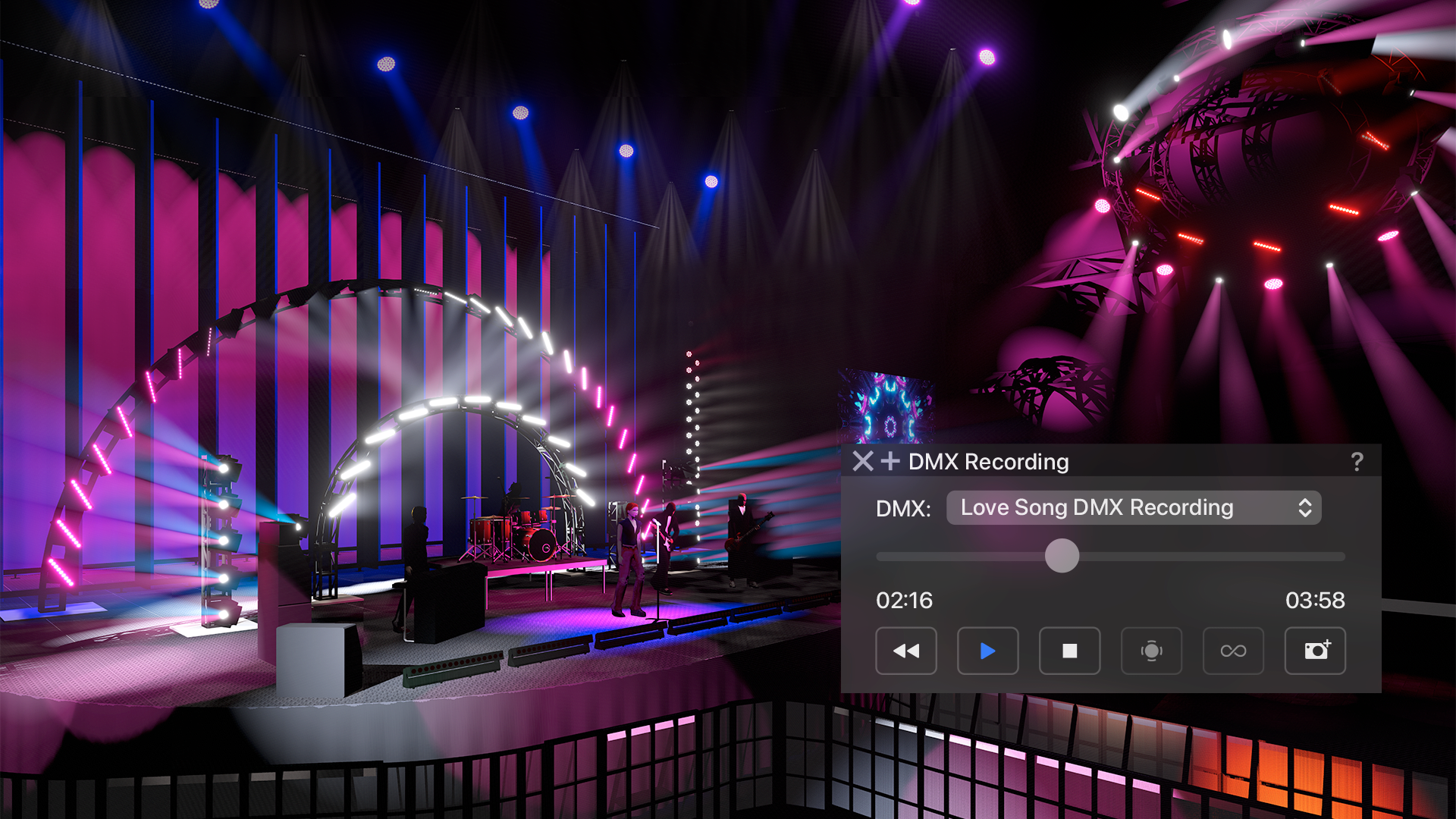
Previsualization (previz) is an essential part of lighting design workflows. In this webinar, we share how you can perform real-time previz in the same software with Vectorworks Spotlight's Showcase feature, where you draw your light plots, create scenic designs, and more. In this session, entertainment industry experts Joshua Schulman and Matt Artigues explore tips, including how to connect a lighting console to Vectorworks Spotlight via Showcase, how to operate live console playback, and how to set up your lighting plot to be Showcase-ready.
Stay in the know with the latest insights
Subscribers receive news, customer stories, success and learning tips, event information, and other important announcements from Vectorworks.
By submitting this form, you agree that Vectorworks, Inc. and its authorized partners may contact you in regards to news, offers, and the use of our software, services, and platforms. Learn more about our privacy practices and your data on our privacy page.*